
Table of contents
- Quick nav
Beautify Screenshots Online Free: Gradient, Browser Frame & Marks
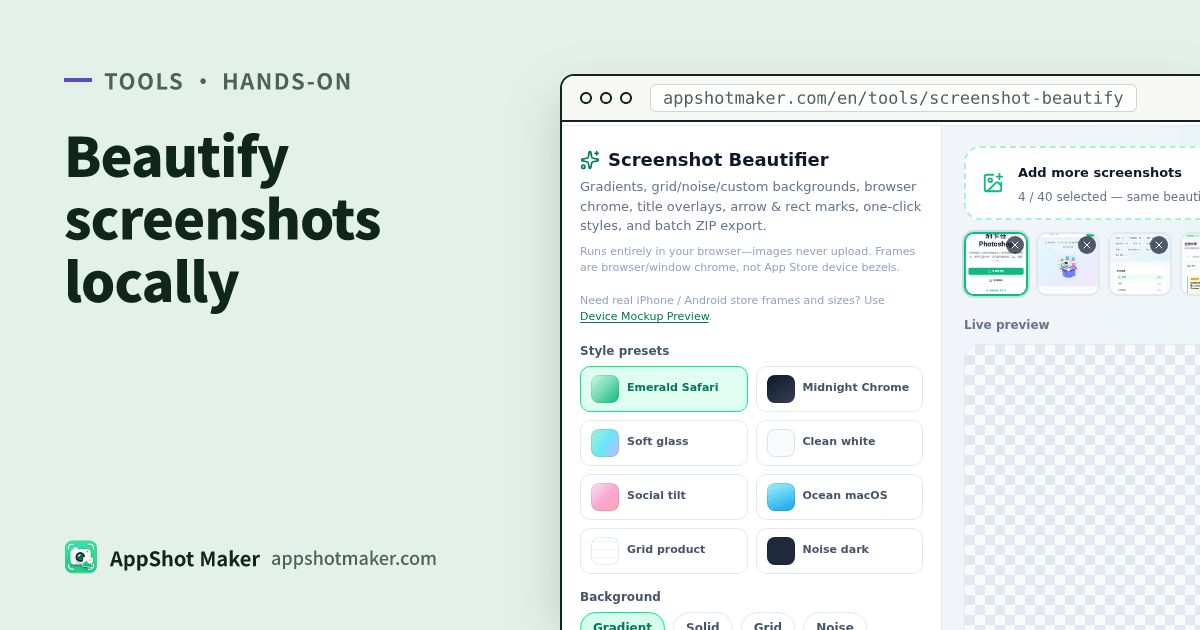
If you search for ways to beautify screenshots online, you usually want a quick polish: new background, a Safari/Chrome-style frame, a short title or arrow, then export for a landing page, post, or doc—free, in the browser, without uploading the file. Screenshot Beautifier does that on a local Canvas—images never leave your device.
Real phone bezels and store pixel packs stay on /en/preview. This page is the marketing-polish workflow. Checked 2026-10-30.
Where Preview ends and Beautifier starts
| Outcome | Go here |
|---|---|
| Real iPhone/Android frames + store sizes | /en/preview or device mockup |
| Gradients/grid, Safari/Chrome chrome, titles, marks, presets, batch ZIP | /en/tools/screenshot-beautify (this page) |
| Quick OG / square social cards | Size presets in Beautifier, or /en/tools/og-share |
Rule of thumb: store listings use Preview; sites, docs, and posts use Beautifier.
Hands-on
- Open /en/tools/screenshot-beautify and drop or paste a PNG/JPG/WebP.
- Background: solid, gradient presets, grid, noise, or a custom image; choose transparent for PNG alpha.
- Frame: none / Safari light·dark / Chrome light·dark / macOS window / soft glass; edit the URL bar text.
- Presentation: padding, corner radius, shadow, light tilt (flat / soft / strong). Keep flat for store-like stills.
- Text overlays: title + subtitle; keep contrast high and off critical UI.
- Annotations: one or two arrows or highlight rectangles—avoid marking every control.
- Style presets: start from one of eight looks, then fine-tune.
- Size presets: free / 16:9 / 1:1 / 4:5 / X post / OG 1200×630. Export PNG (preferred) or JPEG; use batch ZIP for many shots.
Huge sources auto-scale near ~8192px / ~16MP with a warning—downscale first when you can.
Choosing a preset
| Scene | Try | Watch for |
|---|---|---|
| Product hero | Dark gradient + dark Safari/Chrome + soft tilt | Title contrast |
| Docs / README | Light fill + light chrome + no tilt | Readability over drama |
| Social square | 1:1 + stronger shadow | Keep type inset from edges |
| Localized packs | Same preset + batch ZIP | Keep frame/bg consistent across languages |
Pipeline
- /en/preview or design export
- Multi-size store packs → /en/tools/batch-processor
- Marketing polish → /en/tools/screenshot-beautify
- Scrub PII first if needed → /en/tools/privacy-redact
Common mistakes
| Issue | Cause | Fix |
|---|---|---|
| Uploading beautified art as App Store screenshots | Chrome/tilt look “off-device” | Ship unframed Preview stills to the store |
| Title covering the CTA | Default centered overlay | Move or shrink type |
| White fringe on JPEG | Transparent bg + JPEG | Use PNG for alpha |
| Mixed ratios in ZIP | Batch without locking a size preset | Lock preset, then export |
Takeaway
Screenshot Beautifier folds background, chrome, copy, marks, and batch ZIP into one local step. Keep real-device store assets on Preview. Chinese guide: /articles/screenshot-beautify-marketing-mockup-guide.