
About this app icon generator
This page is a free app icon generator: upload one square JPG or PNG, and the browser resizes it into the common iOS, Android, HarmonyOS, and web raster sizes, then packs them into a ZIP. Everything runs locally — the file is not uploaded to our servers.
It is a batch exporter, not an icon designer. It will not invent a mark from a prompt, will not write Liquid Glass or adaptive-icon layers, and will not strip alpha for you. If you still need to draw a letter mark first, use the monogram tool; if you only need a multi-size .ico, use the ICO converter.
Use cases
One opaque master, three store slots
Start with a 1024×1024 (or larger) opaque square. Upload it here, click Download all icons, and take iOS/AppIcon-1024.png, Android/play_store_512.png, and the HarmonyOS 1024 / 216 files from the ZIP. Then verify the iOS 1024 file has no alpha before App Store Connect or Xcode ingest.
Opposite alpha rules, one export
App Store 1024 must have no transparency and no alpha channel. Play’s 512×512 listing icon is a 32-bit PNG (max 1024KB, sRGB, full square — Play applies the 30% corner mask and drop shadow). The safe source is still a fully painted square: this tool does not flatten alpha, and a see-through Play icon will show the store background.
PWA / favicon in the same ZIP
When web sizes are included, the archive also builds Web/favicon.ico (16 / 32 / 48) and a small manifest-icons.json. For a standalone ICO from a different source, use the ICO tool instead of re-opening this page.
Store icon numbers checked 11 November 2026
| Slot | Official rule (checked today) | What this page exports |
|---|---|---|
| Apple App Store | 1024×1024 marketing icon cannot be transparent or contain an alpha channel (ITMS-90717). Corners are masked by the system — do not pre-round or pre-shadow the master. | 1024×1024 plus common iPhone / iPad asset-catalog raster sizes (180, 167, 152, 120, 87, 80, 76, 60, 58, 40, 29). No Icon Composer layers. |
| Google Play listing icon | From Play Console help and the icon design specifications (spec page last updated 20 October 2026 UTC): 512×512, 32-bit PNG, sRGB, max 1024KB, full square. Play applies an ~30% corner mask and a drop shadow. Avoid visual transparency — Play’s UI color shows through. | Android/play_store_512.png, plus mdpi–xxxhdpi ic_launcher.png bitmaps. Not adaptive-icon XML layers. |
| HarmonyOS / AGC | Follow the current AppGallery Connect prompt in your console. This page does not replace a layered HarmonyOS icon project. | 1024×1024 and 216×216 PNGs, labeled as AGC listing / icon assets. |
How to use it (matches the live UI)
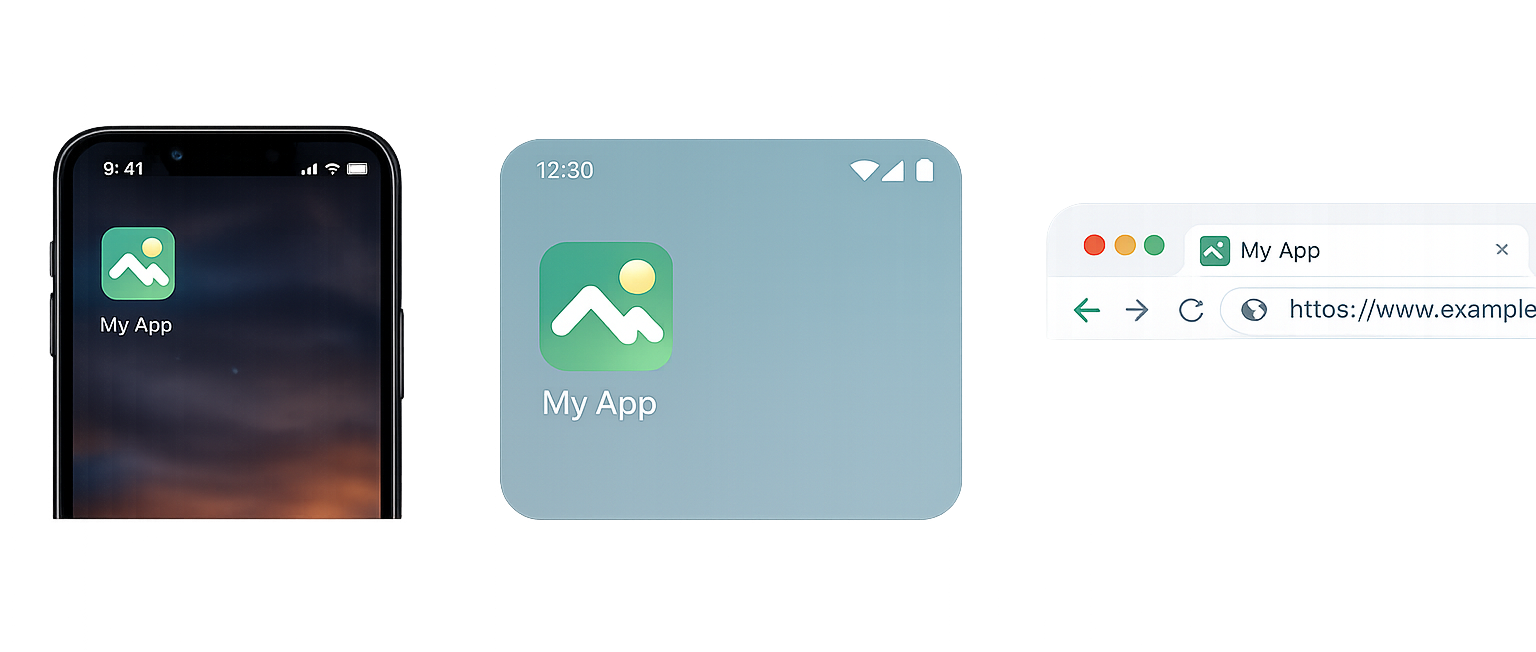
- Upload or drop a JPG or PNG. Prefer a square of at least 1024×1024. Non-square sources are center-cropped.
- Wait for the result view. Tabs filter iOS, Android, Harmony, Web, or all platforms.
- Read the amber hint if the source is not square or is under 1024px — 1024 outputs may look soft.
- Click Download all icons (or Export ZIP). Android files sit under
res/mipmap-*/ic_launcher.png; the Web folder can includefavicon.ico. - Before App Store ingest, confirm
iOS/AppIcon-1024.pnghas no alpha. Then preview the mark next to screenshots in store listing preview.
How this differs from sibling pages
/icon is the owner for “app icon generator / multi-size export.” Logo & monogram helps you draw a letter mark first. ICO converter packs one image into a multi-size .ico only. Store screenshots still belong in /preview— do not stretch a screenshot canvas to fake an icon.
FAQ
Is this app icon generator free? Do I need an account?
Yes, it is free, and no account is required. Open /icon, export without a watermark, and there is no download cap.
Are my images uploaded to your servers?
No. Resizing and zipping run in your browser. The source file is not sent to our servers.
Does it strip the alpha channel? Can I upload the 1024 file to the App Store as-is?
It does not strip alpha. Exports are PNG files from a canvas: if the source has transparency, the resized files usually keep an alpha channel. The App Store 1024×1024 icon cannot be transparent or contain alpha (ITMS-90717 is the usual error). Start with a full-bleed, opaque square, then inspect iOS/AppIcon-1024.png (for example with sips -g hasAlpha on macOS). Google Play’s 512×512 store icon is specified as 32-bit PNG (a format that includes an alpha channel), but the artwork itself should not be visually cut out — transparent areas show the Play UI background.
Can it build iOS 26 Liquid Glass / Icon Composer layered icons?
No. This page only resizes raster images. It does not write an Icon Composer project or dark / tinted appearance variants. Use Apple’s Icon Composer for layered work; the site has a separate Liquid Glass guide.
Are the Android files adaptive-icon layers?
No. The ZIP includes play_store_512.png for the Play store listing, plus bitmap launchers at res/mipmap-*/ic_launcher.png (192 / 144 / 96 / 72 / 48). Foreground, background, and monochrome adaptive layers still belong in your Android project.
Which HarmonyOS sizes are exported?
Two files today: 1024×1024 (labeled icon assets / AGC listing) and 216×216 (AGC listing icon). This is not a layered HarmonyOS icon project. Leave corner masks to the system; do not pre-round the artwork.
What if the source is not square, or smaller than 1024 pixels?
Non-square images are center-cropped to the short side (the overflow is cut, not padded). If that side is under 1024px, the 1024 outputs are upscaled and may look soft. Prefer a square JPG or PNG of at least 1024×1024.
Explore more
Stay in the icon job: tools first, then short guides.
Export a store icon set?
Scroll up, drop an opaque square, then hit Download all icons. No account, no watermark. Check the iOS 1024 file for alpha before you upload it.
Need a letter mark first? Open the monogram tool. Ready to see the icon next to screenshots? Open store listing preview.