
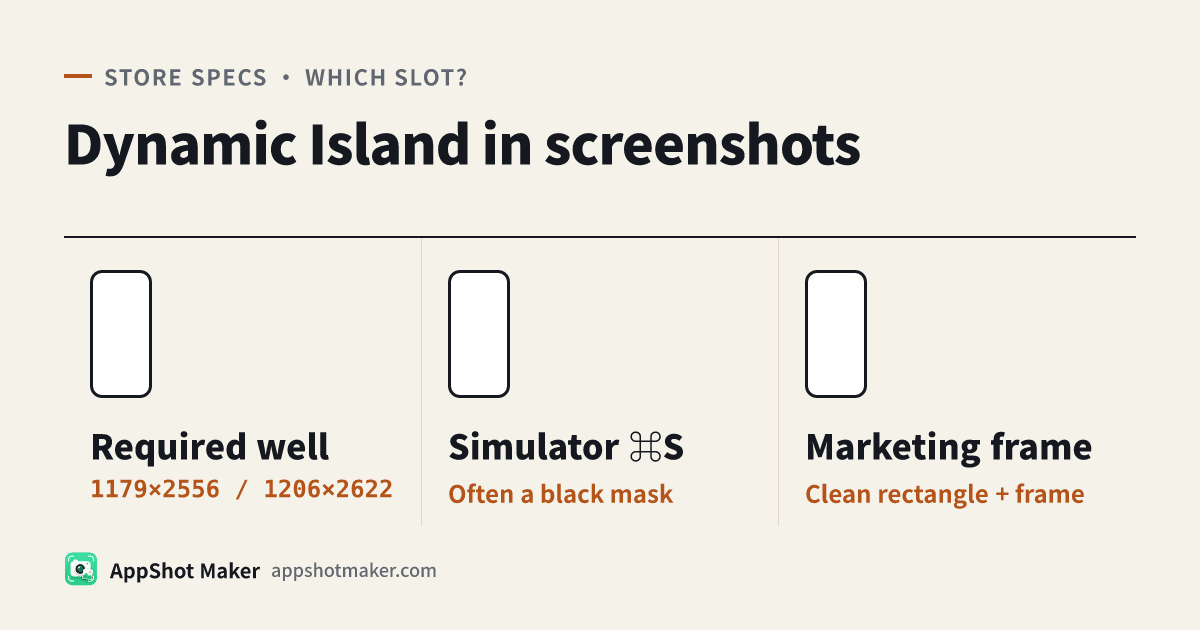
Dynamic Island in App Store screenshots: black mask or clean shot
Dynamic Island in App Store screenshots is a required pixel slot, not a visible pill. Simulator captures may show a black mask. Real-device shots often do not.
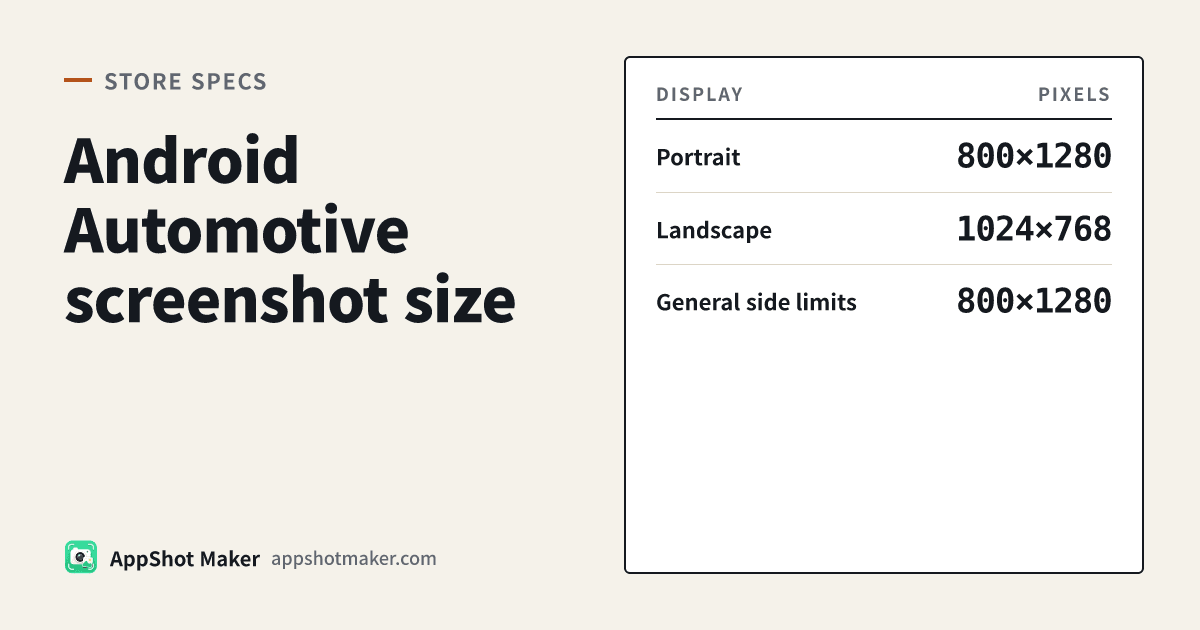
Android Automotive screenshot size: Google Play wants 800×1280 and 1024×768
Android Automotive screenshot size on Google Play is two 800×1280 portraits and two 1024×768 landscapes, required outside parked categories.
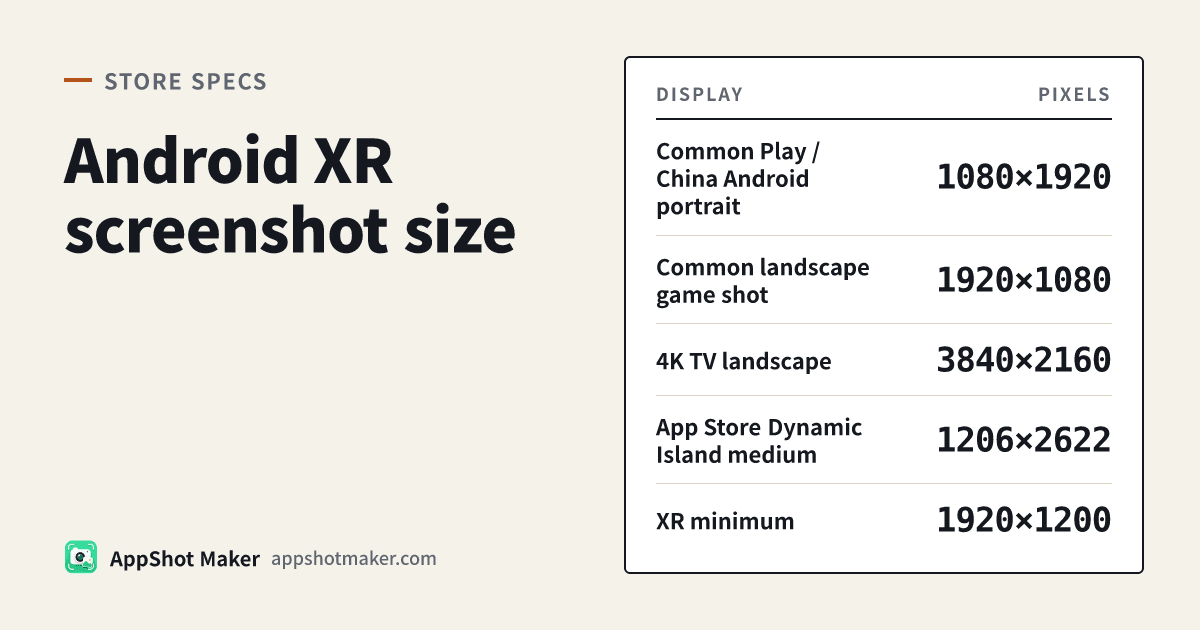
Android XR screenshot size: Google Play 8:5 at 3840×2400
Android XR screenshot size on Google Play is 8:5: Google recommends 3840×2400 (minimum 1920×1200). Upload 4–8 PNG or JPEG files, each 8 MB or smaller.
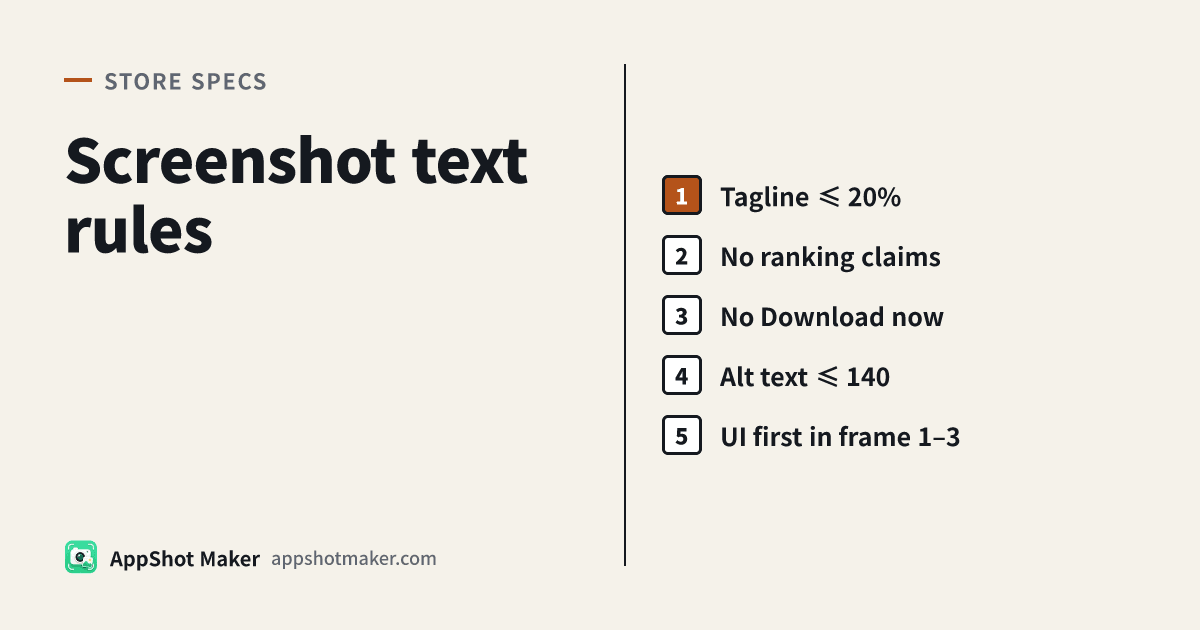
Google Play screenshot text rules: 20% taglines, banned words, alt text
Google Play screenshot text rules: keep taglines under 20% of the image, skip ranking or download CTAs, and write alt text under 140 characters.
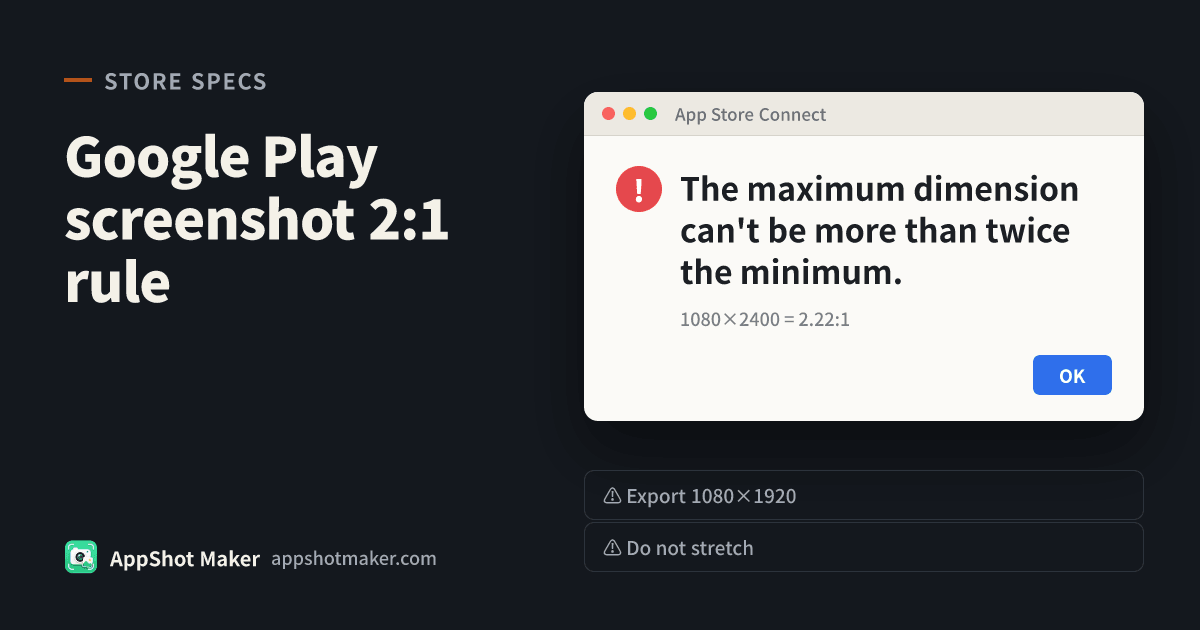
Google Play screenshot 2:1 rule: fix 1080×2400 rejects
Google Play screenshot 2:1 rule: long side cannot exceed twice the short side. Why 1080×2400 and iPhone exports fail, and how to crop or rebuild at 1080×1920.
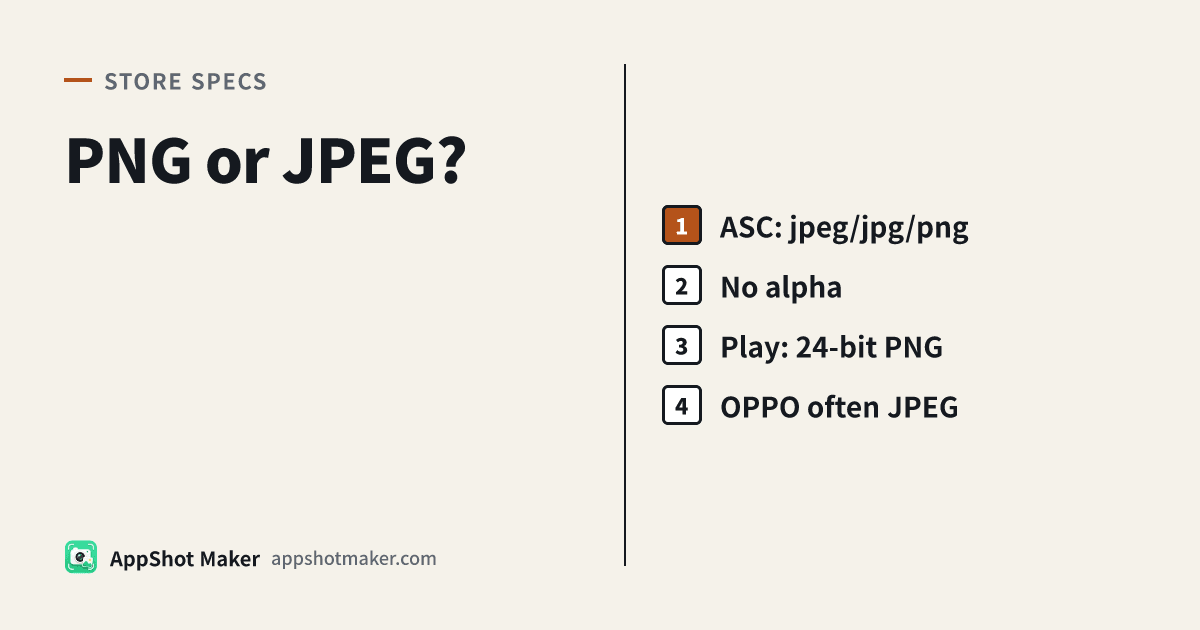
App Store screenshots PNG or JPEG: Pick by Store Rules (No Alpha)
App Store screenshots PNG or JPEG: Apple and Play ban alpha; pick opaque PNG for UI text or JPEG under size caps like OPPO 1MB—local flatten steps.