
Table of contents
- Quick nav
Remove Background Online Free (Local): Solid vs AI, No Store Alpha
“Remove background online free” is two jobs
Half the searchers want a clean cutout for a landing hero. The other half accidentally upload that transparent PNG to App Store Connect or Google Play — both ban alpha on listing screenshots.
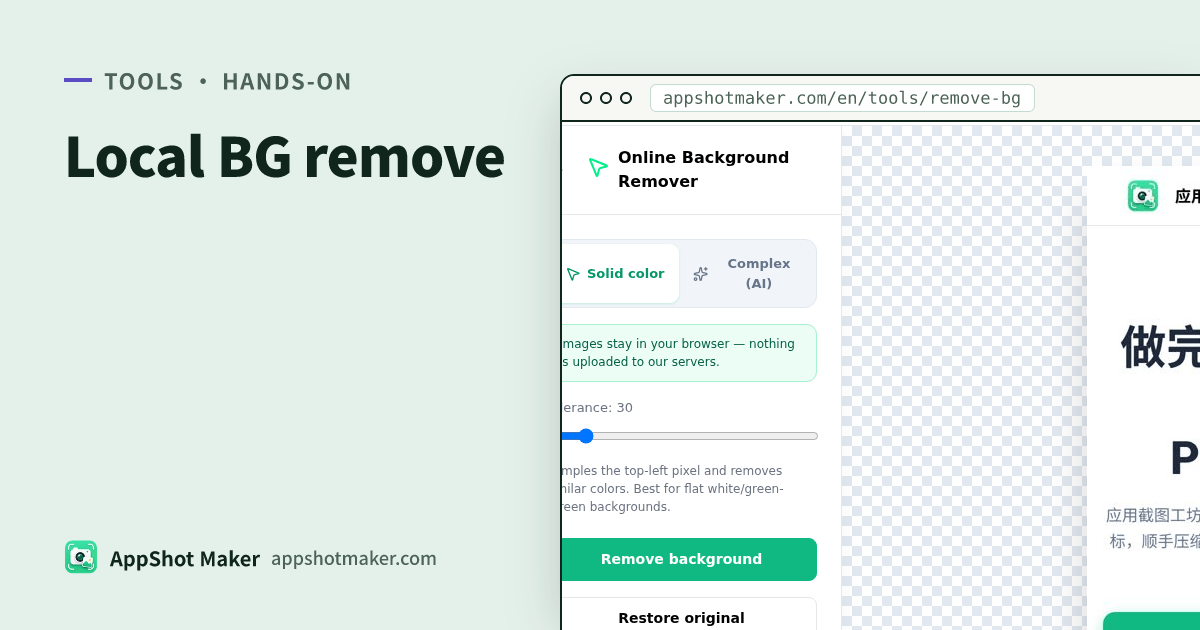
Background Remover runs in your browser: nothing uploads; pick Solid color or Complex (AI); export a transparent PNG. Checked 4 Nov 2026. Brand once: AppShot Maker.
The scheduling story “compress → cutout → frame” lives in the local pipeline guide. This article owns the cutout layer: when solid wins, when to download a model, and how to get back to an upload-legal file.
Spec red line: no alpha on store screenshots (4 Nov 2026)
| Destination | Official format notes | Upload the transparent PNG? |
|---|---|---|
| App Store screenshots | .jpeg / .jpg / .png; no alpha | No — flatten onto an opaque fill first |
| Google Play screenshots | JPEG or 24-bit PNG (no alpha) | No |
| Play feature graphic | JPEG/24-bit PNG, 1024×500, no alpha | No (and device chrome is discouraged) |
| Site hero / poster layer | Transparent PNG is fine | Yes as a layer |
| Icon worksheets | Platform-specific | Use /en/icon; don’t mix with screenshot slots |
Sources: Apple screenshot specifications, Play preview assets.
Solid vs AI (how this tool actually works)
| Mode | Mechanism here | Use when | Skip when |
|---|---|---|---|
| Solid | Samples the top-left pixel as background; punches similar colors by tolerance | Flat white/green-screen product shots, clean logos, tidy UI exports | Gradient desktops, hair, messy photos |
| Complex (AI) | In-browser ONNX U²-Net via @bunnio/rembg-web | People, products, busy marketing stills | You need zero download and the device is memory-starved |
First AI run fetches weights from this site’s /models/ path, then caches in IndexedDB:
| AI preset | Approx. download | Feel |
|---|---|---|
| Fast (default u2netp) | ~4.7 MB | Enough for most UI/product cutouts |
| Higher quality (u2net) | ~176 MB | Cleaner edges; can OOM on small machines |
Aim for about ≤20 MB per source file. On Safari or low-RAM devices, stay on Fast or downscale first.
Five-minute path
- Open /en/tools/remove-bg and choose Solid color or Complex (AI).
- Drop a JPG/PNG/WebP. Solid: tune tolerance. AI: confirm the download size, then run.
- Export the transparent PNG.
- If the destination is a store listing: bring it into the screenshot generator, lay a solid/gradient brand fill, export without alpha at the target pixels.
- Preflight with screenshot check; crush bytes with compress when consoles enforce size caps.
Decision table: common failure modes
| Move | What happens | Better path |
|---|---|---|
| Upload transparent PNG to Connect/Play | Format / alpha rejection | Flatten in /en/preview → opaque PNG/JPEG |
| Force Solid on a gradient desktop | Eaten subject edges | Switch to AI, or crop tighter first |
| Download the 176 MB model first | Phones and old laptops stall | Start Fast; escalate only if edges fail |
| Use cutout to “fix file size” | Transparent PNGs often grow | Size problems belong to compress / JPEG (OPPO under 1MB) |
| Treat device frames as compliance | Frames don’t fix pixels or alpha | Frames are presentation; specs still need sizes + checker |
How it plugs into the rest of the toolkit
- Pixel targets → screenshot sizes
- Copy + opaque fills + multi-size export → /en/preview
- Transparent phone chrome only → device mockup (still a layer, not a store upload)
- Full compress→cutout→frame schedule → pipeline article
Checklist
- Layer vs final store file is decided up front
- Flat background → Solid; messy scene → AI Fast first
- First AI download size (~4.7 MB or ~176 MB) accepted and cached
- Store-bound assets were flattened — transparent PNG never uploaded raw
- Checker is green (or any “console wins” note was verified manually)
Worked scenarios: green-screen product vs messy desktop
Scenario A — flat white/green product shot (Solid)
- Keep the backdrop truly flat; don’t let the subject’s shadow sit under the top-left sample pixel.
- If edges chew into packaging, lower tolerance before cranking it up — high tolerance eats light colors.
- After export, flatten in /en/preview for store uploads; keep transparency only when the PNG is a design layer.
Scenario B — simulator window on a wallpaper (AI)
- Crop away Dock/taskbar chrome so the model has less junk to classify.
- Run Fast (~4.7 MB) first. Escalate to Higher quality (~176 MB) only if edges stay dirty.
- Inspect semi-transparent fringe. Store exports must sit on an opaque fill — ASC and Play both reject alpha.
Scenario C — clean in-app UI already fills the frame
Usually skip cutout. Store screenshots should show the real UI. Cutting navigation chrome or card shadows makes the listing look broken. Reserve background removal for poster-style marketing stills, not every simulator dump.
Open-source credits and honest limits
- The AI path uses
@bunnio/rembg-web(MIT) withonnxruntime-web(MIT). Segmentation weights are U²-Net / u2netp by Xuebin Qin et al. (Apache-2.0), inspired by danielgatis/rembg. - This is not a promise of salon-grade hair matting. Fine hair and frosted glass may still need manual cleanup — there is no brush-refine studio on this page.
- Your image bytes are not uploaded for inference. Model files come from this site’s static
/models/path (a download, not an upload of your photo).
One line: free local cutout is useful; the skill that saves a resubmit is knowing when a transparent PNG must never touch the store.
Ready to design your store screenshots?
Try AppShotMaker and turn raw captures into store-ready screenshots in minutes.