
Table of contents
- Quick nav
Free Online Poster Maker: Local Browser Canvas, PNG Export, No Upload
When a poster canvas beats a screenshot generator
Searchers for a free online poster maker often land on template megasites. Indie teams usually need something narrower:
- An app promo tile, community cover, or landing hero at a fixed ratio;
- Assets that should never leave the laptop;
- Layout control without paying for AI generation.
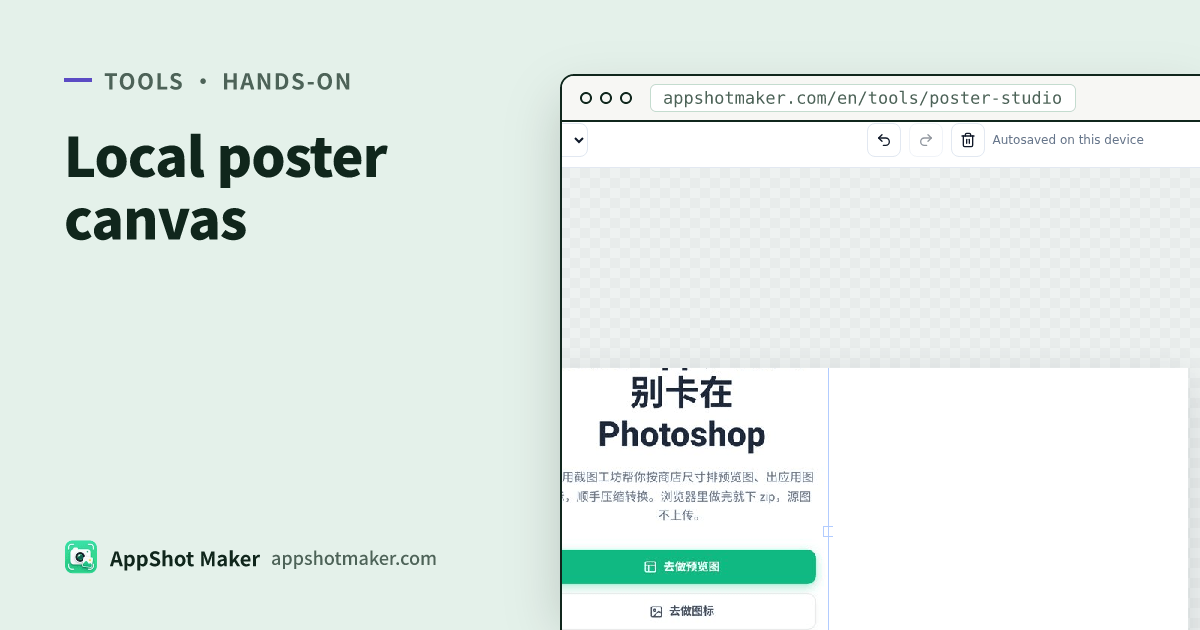
Poster Studio on this site is a local browser canvas: add text, shapes, or images, pick a ratio, export PNG. The canvas autosaves to localStorage on this device. The UI is restyled for this site; editing is adapted from open-source poster-studio (MIT) on fabric.js (MIT).
Base-edition limits (on purpose): no AI image generation, no cloud asset library, no background removal, no CDN upload. For cutouts use /en/tools/remove-bg. For store-pixel device frames use /en/preview. For single-shot marketing wraps (gradients, browser chrome, arrows, batch ZIP) use /en/tools/screenshot-beautify.
Verified 2026-10-31.
Pick the right tool
| Outcome | Better entry |
|---|---|
| App Store / Play creatives at required pixel sizes with device frames | /en/preview, /en/tools/device-mockup |
| One UI capture + gradient, browser frame, captions, arrows | /en/tools/screenshot-beautify |
| Free-ratio poster, multi-object layout, local autosave | /en/tools/poster-studio (this article) |
| Gradient CSS or palette from a shot | /en/tools/gradient-gen, /en/tools/color-extract |
| File too heavy after export | /en/tools/compress |
Five minutes to the first PNG
- Open /en/tools/poster-studio.
- Choose a ratio in the top bar: 3:4 (many social feeds), 1:1 (avatar / square posts), 9:16 (stories), 16:9 (banners / video covers). Match the channel before you design—do not stretch afterward.
- Add text or shapes from the left rail; upload product art when needed (files stay local).
- Tweak fill and type size on the right. Keep the headline in the visual center and pad the edges so platform crops do not eat copy.
- Click Export PNG. Edit copy and export again; drafts autosave on this machine.
Practical rules for app promo art
- One claim per frame. Posters are not five-frame store storytelling; leave feature depth to store screenshots.
- Layer order: flat or soft gradient → product / UI art → type last, so letters are not fighting busy pixels.
- Do not fake a store slot. Poster ratios rarely equal Apple’s required Dynamic Island medium sizes (1206×2622 or 1179×2556, Apple screenshot specifications read 2026-10-31). Shipping creatives still go through /en/preview.
- Google Play Feature Graphic is a fixed 1024×500 landscape asset with no alpha (Play preview assets). Rough it on the canvas if you want, then finish at exact pixels in /en/tools/feature-graphic or your design tool.
Open source and licenses
- Layout adapted from joeseesun/poster-studio (MIT).
- Renderer: fabric.js (MIT).
- This base edition drops upstream AI / cloud storage / donation UI and adds bilingual chrome. Read the MIT texts before commercial redistribution of forks.
FAQ
| Question | Answer |
|---|---|
| Are images uploaded? | No. Edit, preview, export, and autosave stay in the browser. |
| Shared team history? | No. Only this browser’s localStorage; clearing site data drops drafts. |
| Template marketplace? | Not in the base edition—that usually implies hosting and license chains we are not running here. |
| Export looks soft? | Confirm ratio vs destination; shrink bytes with the compress tool instead of over-compressing first. |
Fit / not fit checklist
Good fit
- Campaign posters, invite cards, community covers;
- Placing existing app screenshots, logos, or QR codes on a fixed ratio;
- Exporting PNG immediately without sending unreleased art to a third party.
Poor fit
- Replacing App Store / Google Play required screenshot dimensions (use the preview maker);
- Huge template malls, brand cloud drives, or simultaneous multiplayer editing;
- One-click AI illustration (explicitly out of the base edition).
Treat promo posters and store screenshots as two production lines. Posters carry campaigns; screenshots carry compliance and conversion storytelling. Stretching one canvas to fake the other usually means rework on both sides.
A short workflow we use internally
- Draft the claim and ratio on paper (or in the canvas) before importing a noisy screenshot.
- Drop the cleanest UI capture you have—avoid status-bar clutter when the poster is public-facing.
- Export PNG → optional pass through /en/tools/compress if a channel hates large files.
- If the same visual must also become a store frame, rebuild at the official pixel size in /en/preview instead of upscaling the poster.
Bottom line
A free online poster maker can be another template mall—or a local canvas with ratio presets, object layout, PNG export, and autosave, while store pixels and screenshot beautify stay on dedicated tools. Use /en/tools/poster-studio for promo and campaign art; keep App Store / Play compliance on preview and screenshot-check. Split those jobs and you ship faster with fewer rejected uploads.
Ready to design your store screenshots?
Try AppShotMaker and turn raw captures into store-ready screenshots in minutes.