
Table of contents
- Quick nav
Fix “No ICP Filing Was Found for This App”: Install Prompt vs Store Fields
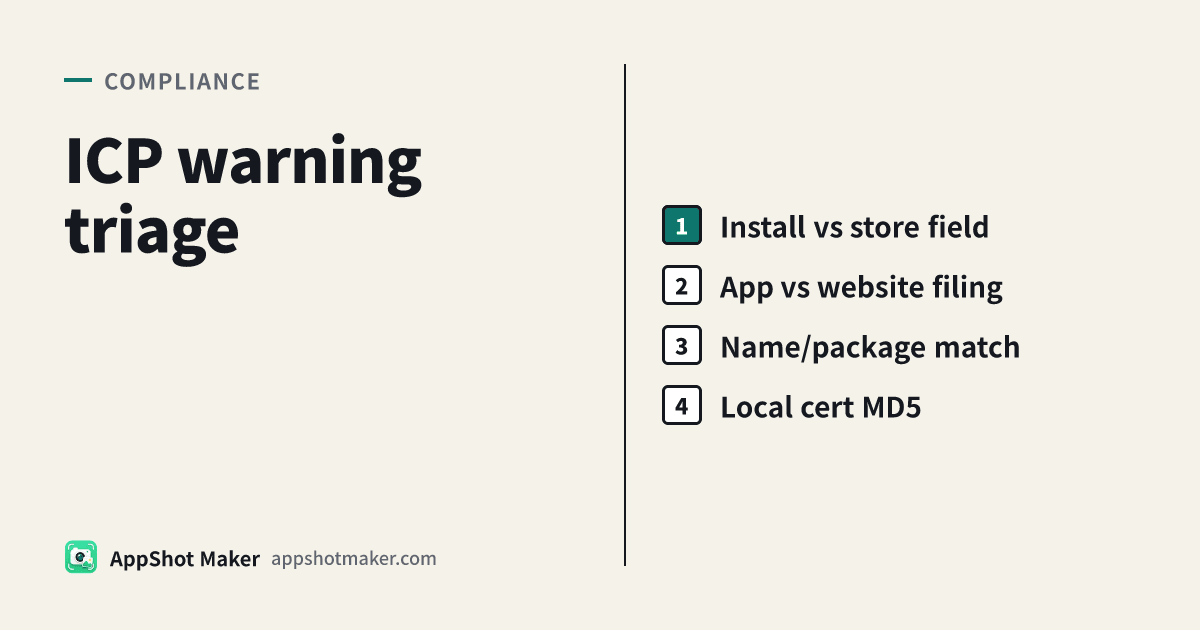
What the message actually is
The English string “No ICP filing was found for this app” (Chinese UI variants say the filing was not found / the app is not approved for filing) is a compliance check, not an App Review guideline letter and not a “toggle one switch” bug.
As of 2026-10-31, two separate pipelines show up in official docs:
- Device install checks. Huawei’s APP approval (APP filing) guide states that terminal makers must not provide network access, distribution, or pre-install for apps that skipped China’s mobile-app filing process. Installers can therefore warn when filing is missing or not yet queryable. If you already filed, Huawei’s path is to report filing details through the official feedback channel, not to publish ADB recipes that weaken Pure Mode.
- Store listing / console fields. Huawei AppGallery / HarmonyOS Developer Center validate filing before search and listing. Apple’s App information section Availability in China mainland requires a valid ICP filing number that matches MIIT records; after verification the number can appear on the product page.
This article is for developers shipping to China mainland users: map the exact symptom → the correct console → a matching app filing number. End-user workarounds that disable device security are out of scope on purpose.
Decision table: which failure are you in?
| Scene | What you see | Where it breaks | First move |
|---|---|---|---|
| A. Sideload / browser download | “No ICP filing was found…”, “not filed”, “filing status unknown” | Installer vs regulator database | Confirm app filing exists; package name / app name / sponsor match; use Huawei’s appeal flow |
| B. AppGallery / HarmonyOS Center submit | Filing validation fails; app missing from search | “Filing information” module on the app | Choose mainland server / overseas / offline correctly; ID number and sponsor type must match |
| C. App Store China storefront missing or no ICP on the page | Silent absence or field validation errors | App Store Connect → App Information → China mainland | Enter the app filing number, align Simplified Chinese metadata, ship a new version |
| D. Website ICP pasted into an app form | “Does not match MIIT records” | Wrong filing type | Website filings do not replace mobile-app filings |
Fixing only B/C leaves sideload installs noisy; fixing only A leaves the storefront empty.
App filing vs website filing
China’s mobile-app filing is not the same product as a website ICP filing. The failure mode we see most often:
- Website-style numbers look complete but are not bound to your mobile package name.
- App filings are tied to package name, app name, and filing sponsor. Apple requires the number and metadata to match MIIT. In practice, copy the full service filing number from MIIT’s ICP/IP/domain filing system—not a truncated SMS snippet. App-side numbers commonly end with a distinguishing suffix such as
A(confirm against your MIIT record).
Three checks before you paste anything:
- At the access provider (Aliyun, Huawei Cloud, Tencent Cloud, …), did you select every platform you actually ship (Android / HarmonyOS / iOS)? Huawei’s guide: for HarmonyOS, select the HarmonyOS platform (multi-select allowed) and add the HarmonyOS package name(s).
- Same sponsor: different apps cannot share the same name; the same app across platforms should keep one consistent name.
- Package name, display name, and sponsor ID on the store console must match the filing character-for-character (watch
0/O,1/I,5/S).
Deep how-tos: iOS ICP in App Store Connect, Android filing, HarmonyOS filing, certificate MD5 walkthrough.
HarmonyOS / Huawei install prompts (developer path)
From Huawei’s guide (read 2026-10-31):
| Prompt flavor | Document meaning | What developers do |
|---|---|---|
| Filing status unknown | Often first install; status not aligned yet | Ensure filing shows completed; appeal so the regulator side can resolve the app |
| App not filed / not approved | Validation failed | Diff package name, app name, sponsor vs live listing; submit official feedback with identity + app basics + access info |
Do not document “turn off Pure Mode / flip ADB secure settings” as the release playbook. Huawei describes Pure Mode as a device protection layer; with enhanced protection, installs may be limited to AppGallery-scanned packages. Your job is to make the filing record resolvable.
On the listing side, open HarmonyOS Developer Center → app → filing module:
- Declare mainland servers, overseas-only, or offline app (Huawei’s definitions: offline = no public-internet information services; overseas = overseas operator and servers only outside mainland).
- Pick sponsor type (enterprise / individual / organization) and whether it matches the developer account.
- If it does not match, enter sponsor name + ID and run the ID check first.
For HarmonyOS certificate fingerprints and public keys, use the local certificate MD5 / public-key tool: drop an AppGallery Connect .cer / .crt / .pem (not a .p12 private-key bag). Parsing stays in the browser.
App Store Connect: China mainland ICP field
Apple’s App information reference (China mainland availability) requires:
- An ICP filing number that matches MIIT;
- Simplified Chinese metadata aligned with the filing (or primary language if Simplified Chinese is missing);
- After successful verification, the number can show on the product page;
- Games and other regulated categories need additional licenses—those are not substitutes for the ICP field.
Suggested order:
- Confirm China mainland is in Pricing and Availability.
- Paste the full app filing number → Save → clear any pending confirmation.
- Submit a new version so the field rides with that release.
- Spot-check the China storefront (methods in the iOS filing article).
Privacy-policy drafts can be prepared with the privacy / user-agreement generator; a draft policy does not create a filing.
Ten-minute checklist
- Is the text from an installer or from console / missing China storefront? (Table A/B/C)
- Is the MIIT record an app service filing, not a website filing?
- Package name, app name, and sponsor ID match in three places?
- HarmonyOS platform + package name present at the access provider?
- App Store Connect field filled and Simplified Chinese name aligned?
- Cert MD5 / public key match the filing form? (/en/tools/md5)
- Huawei appeal submitted with sponsor identity + app name/package + access info?
How this pairs with the filing tutorials
| Need | Go here |
|---|---|
| File Android / iOS / HarmonyOS from scratch | Dedicated filing guides linked above |
| Triage the exact “No ICP filing was found…” string | This article |
| Certificate fingerprints only | /en/tools/md5 |
| Listing privacy drafts | /en/tools/privacy-generator |
Bottom line
“No ICP filing was found for this app” means a lookup failed, not that your binary is mysteriously broken. Split install prompts from store fields, use an app filing number that matches MIIT, keep name/package/sponsor identical, then close the loop through official appeal or App Store Connect save. Skipping filing to weaken device security is neither durable nor appropriate for a shipping checklist.