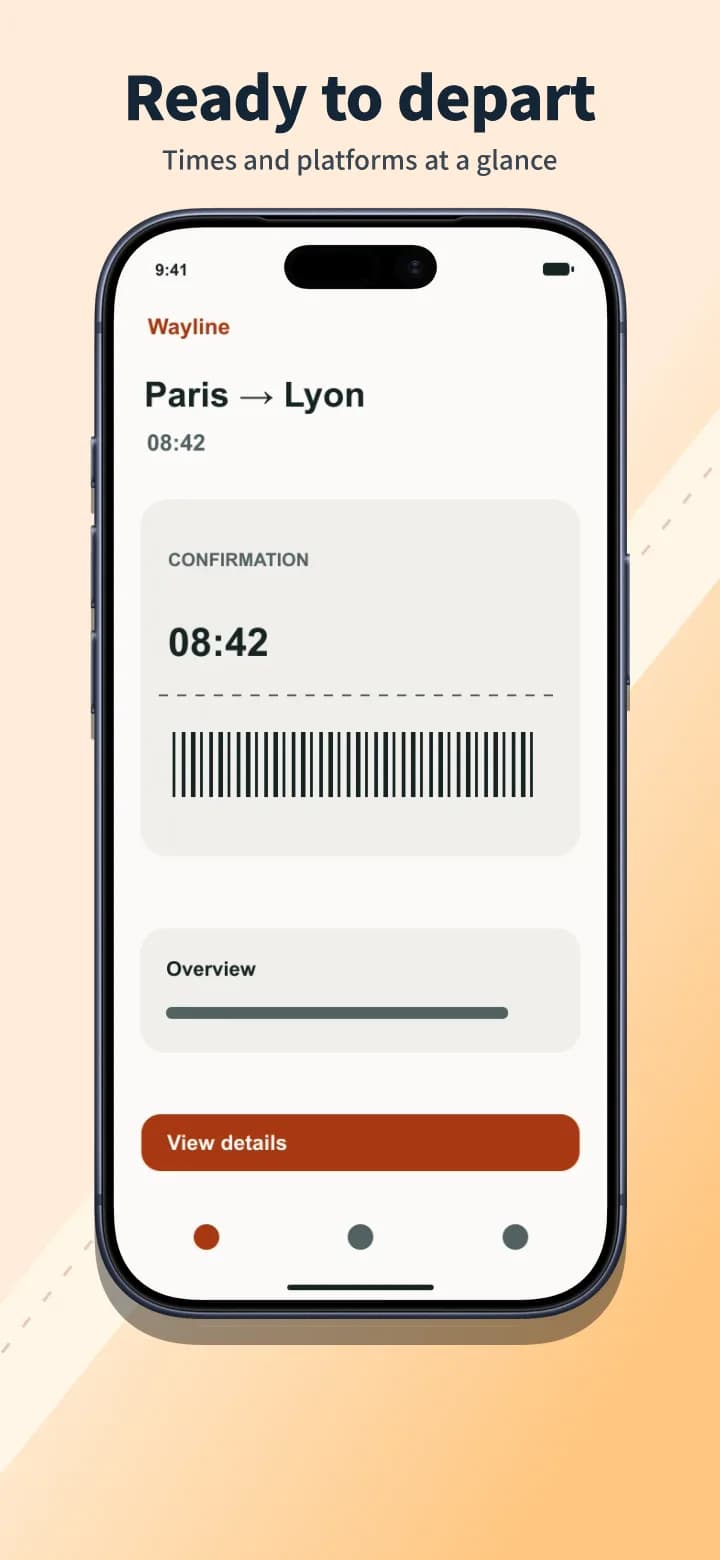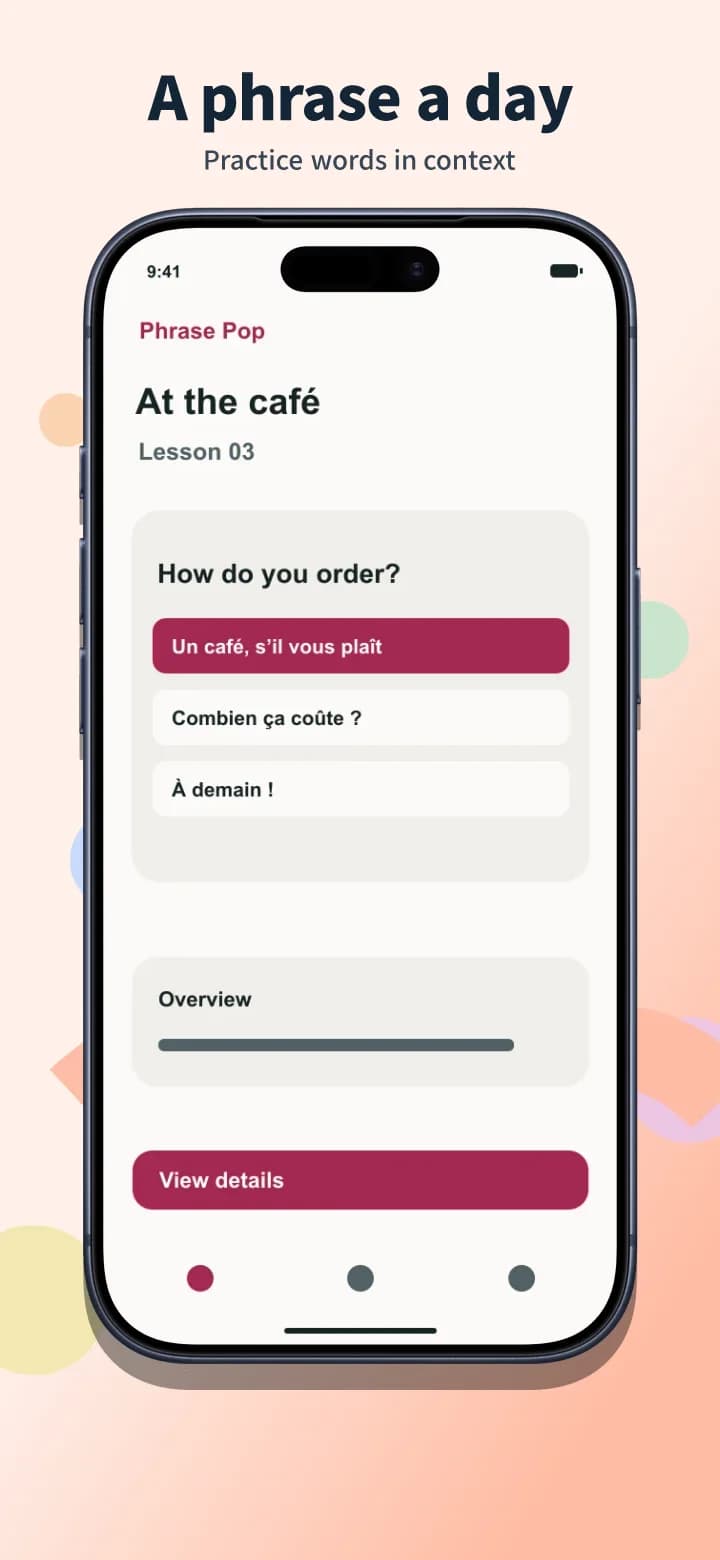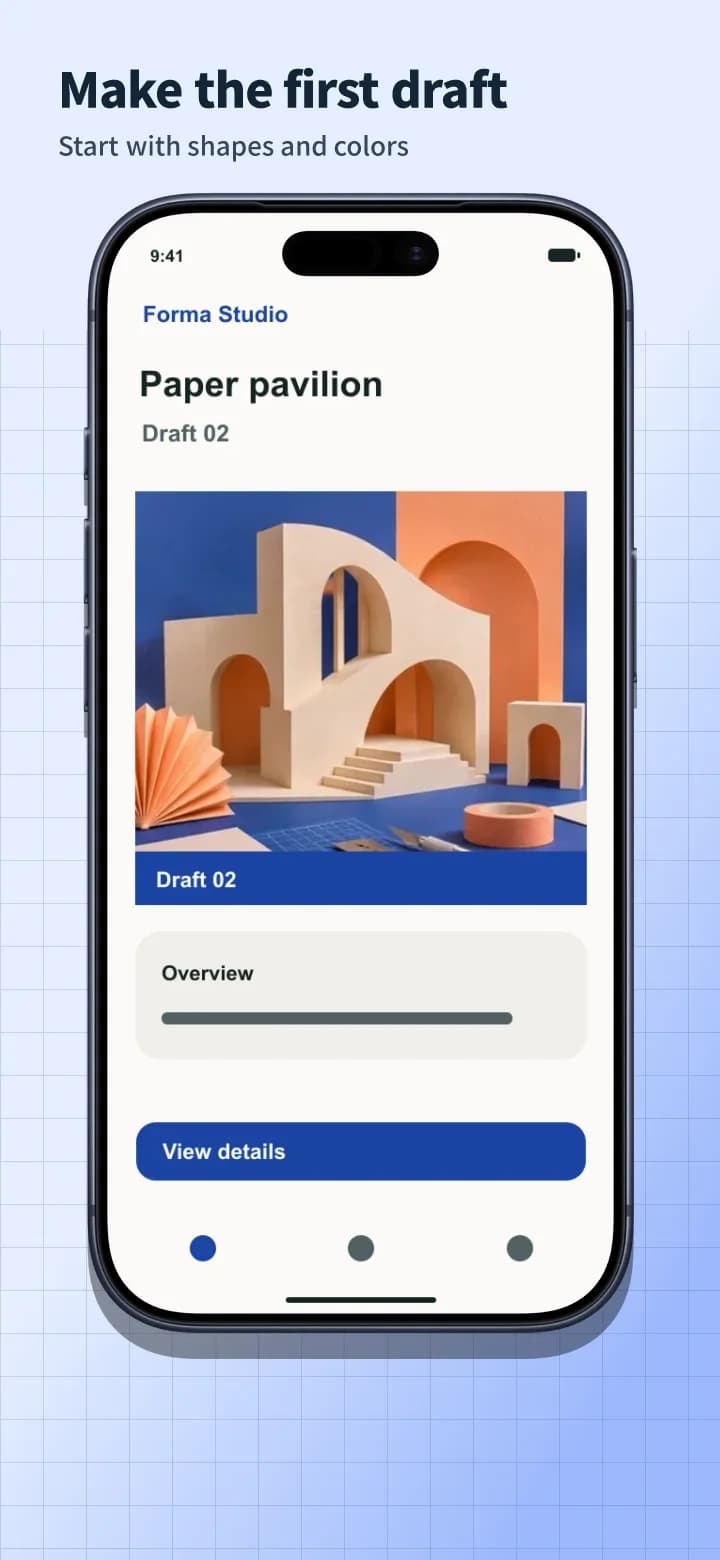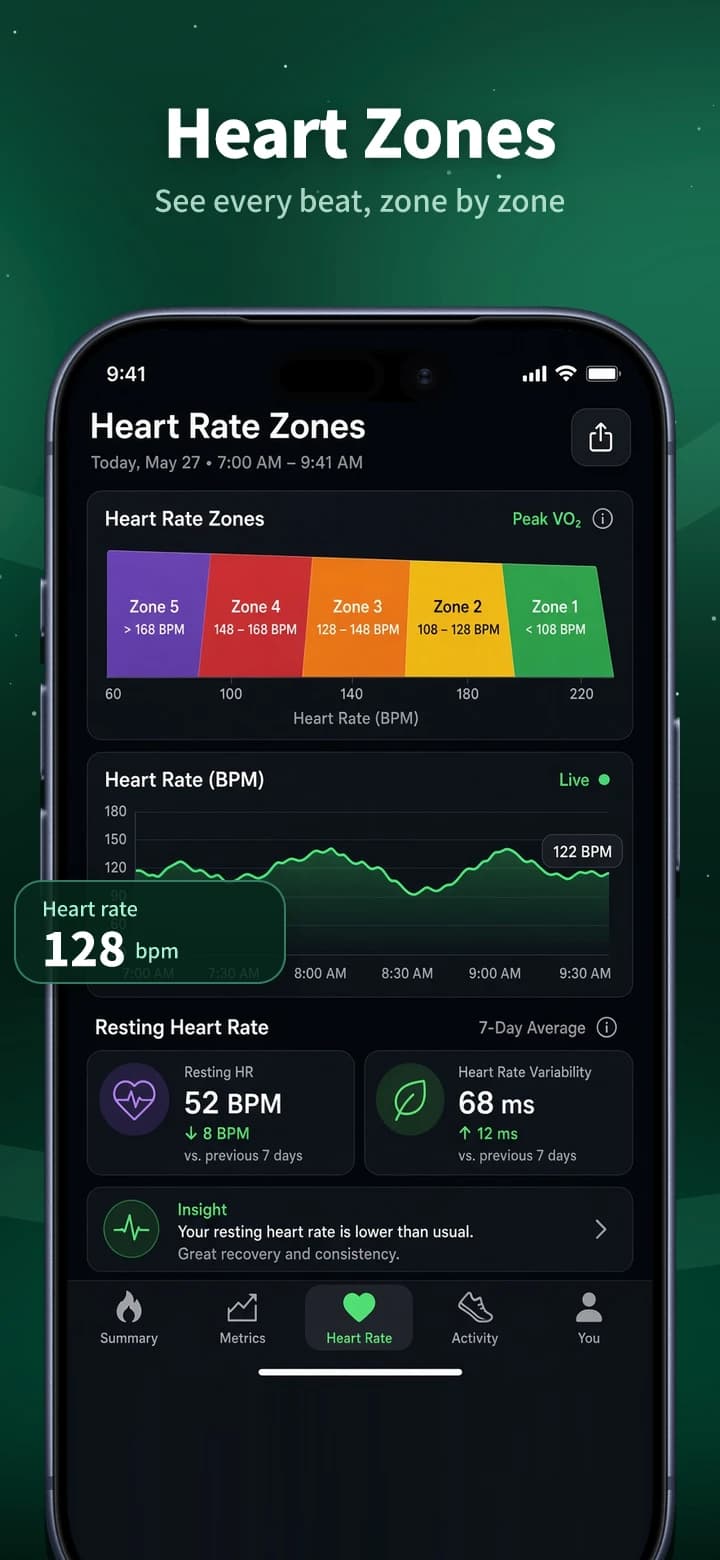
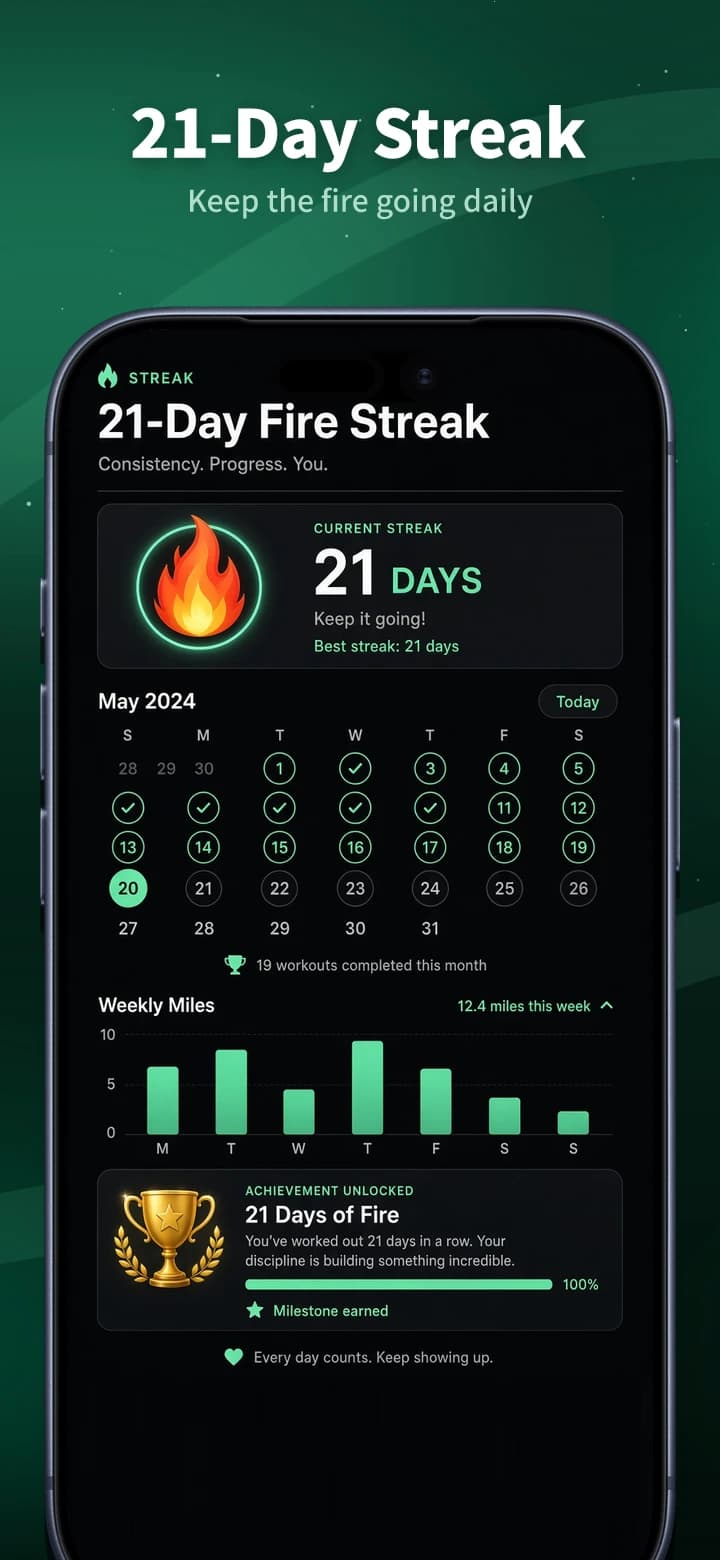
One layout, multiple languages
Preview the same layout in another language. In the editor, review the translated captions and keep an editable page for each language.
Today's Workout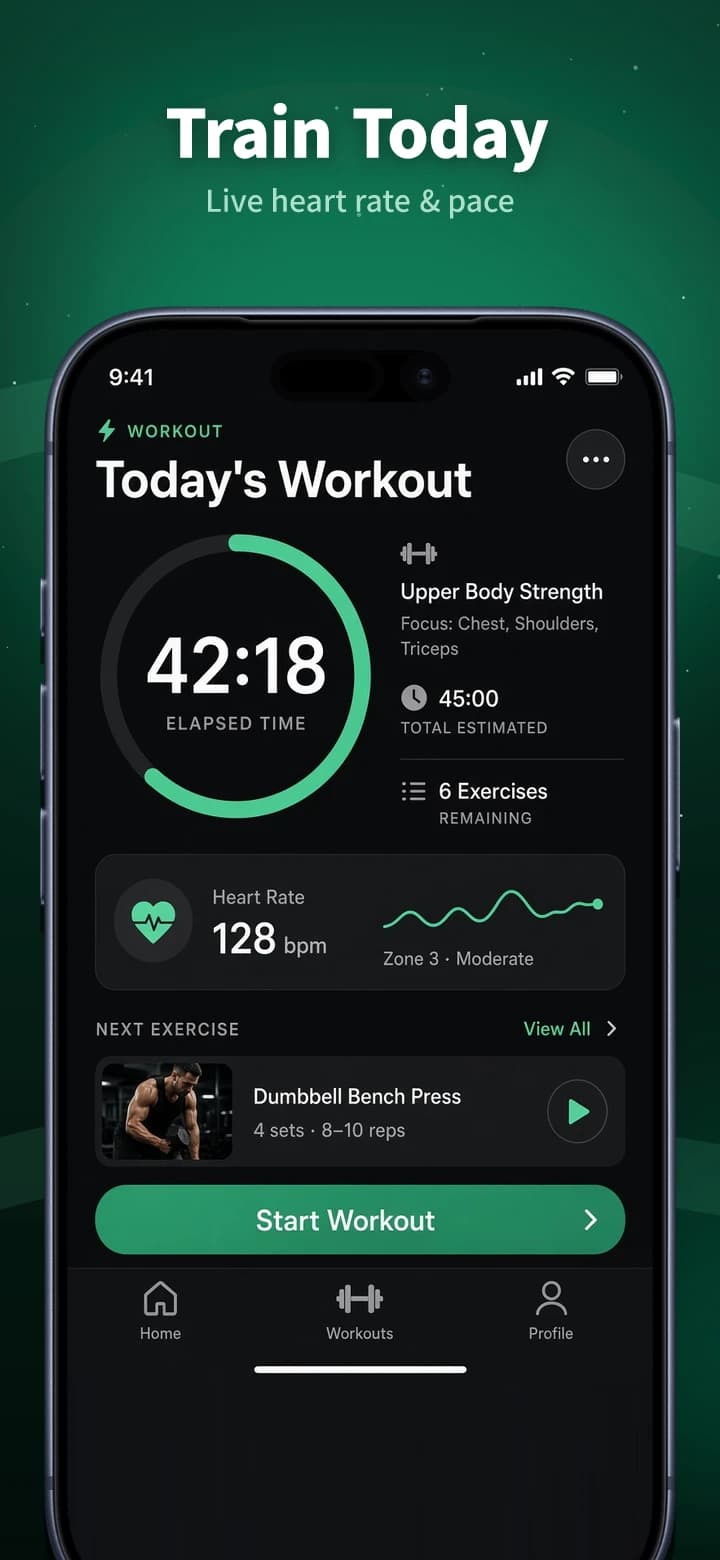
See what each free plan includes, when watermarks apply, and how exports work. Find a tool for your next release, whether you need localized screenshots, direct uploads, or 3D mockups.
Preview the same layout in another language. In the editor, review the translated captions and keep an editable page for each language.
Design on an App Store or Google Play canvas and download your set as a ZIP.
Choose a store size and template, then replace the examples with screenshots from your app.
Adjust headlines, backgrounds, and device frames. If you’re localizing, review the translations and create a separate page for each language.
Save individual PNGs or JPGs, or download the whole set as a ZIP. Upload the files in App Store Connect or Google Play Console.