
Table of contents
- Quick nav
How to Make App Screenshots Online (Store-Ready Workflow)
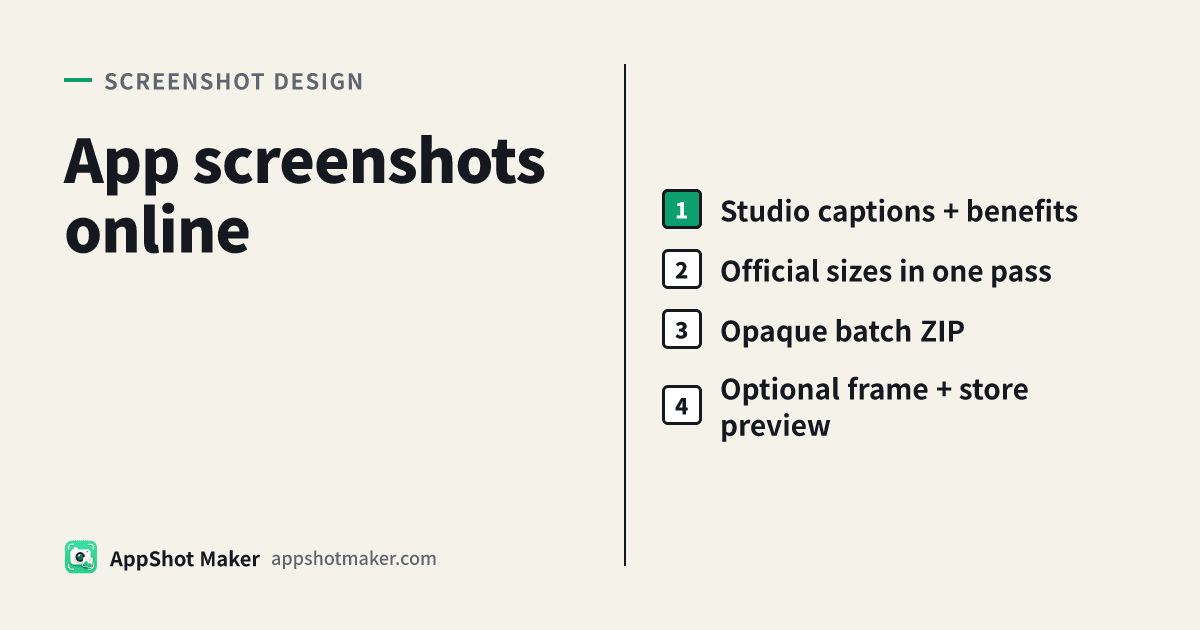
App screenshots usually means a store-ready set: real UI, captions, and pixels that App Store Connect or Google Play will accept. Here is the shortest path through our free tools—no paid “Pro” tier required.
Recommended order
- Confirm sizes — Use Screenshot sizes. Follow Apple screenshot specs and Play preview assets (checked 2026-10-29).
- Lay out caption frames — In the screenshot studio /preview, pick a canvas, drop UI, add headline and benefit lines, export PNG/JPG.
- Batch other sizes — Batch processor: multi-select store sizes, strip alpha, download a ZIP.
- Spot-check — Run samples through Screenshot check before uploading.
- Optional marketing frames — For site/social bezels, use Device mockup; see the device-frame guide.
- Optional full page — Store preview to judge icon + shots together.
- Optional motion — App Preview for short video slots, separate from stills.
App screenshots vs frames vs Feature Graphic
| Asset | What it is | Typical use |
|---|---|---|
| App screenshots (store layout) | Full-bleed or padded UI + copy | Listing slots, ASO |
| Device-frame shots | UI + hardware chrome | Website, social |
| Feature Graphic | Play 1024×500 banner | Required Play feature image—not a screenshot slot |
Build the Play banner with Feature Graphic; do not squash a portrait screenshot into that slot.
Fast composition rules
- Shot one carries conversion: one clear benefit + the cleanest primary UI.
- Keep type inside safe areas; for language swaps try Screenshot localize.
- Metadata length helpers live in ASO character count; in-frame headlines still need to be readable at a glance.
Common failures
| Symptom | Fix |
|---|---|
| Connect rejects transparency | Batch “remove alpha” or export JPG |
| Wrong display slot | Upload from the matching ZIP folder |
| Bare UI looks weak | Add captions in studio; frames only for marketing |
| Hard to judge the page | /en/tools/store-preview |
Follow the sequence and you leave with uploadable app screenshots, plus optional framed marketing art and a store-page preview—all inside this toolset.