
Table of contents
- Quick nav
QR Code Generator with Logo Free: Test-Scan before PNG/SVG
What people actually fear when they search “QR code generator with logo”
A download QR on a landing page, poster, packaging, or booth banner often needs the app icon in the middle so people recognize the product at a glance. The failure mode is silent: a slightly oversized logo or a soft brand color still looks fine on screen, then fails on paper under booth lights.
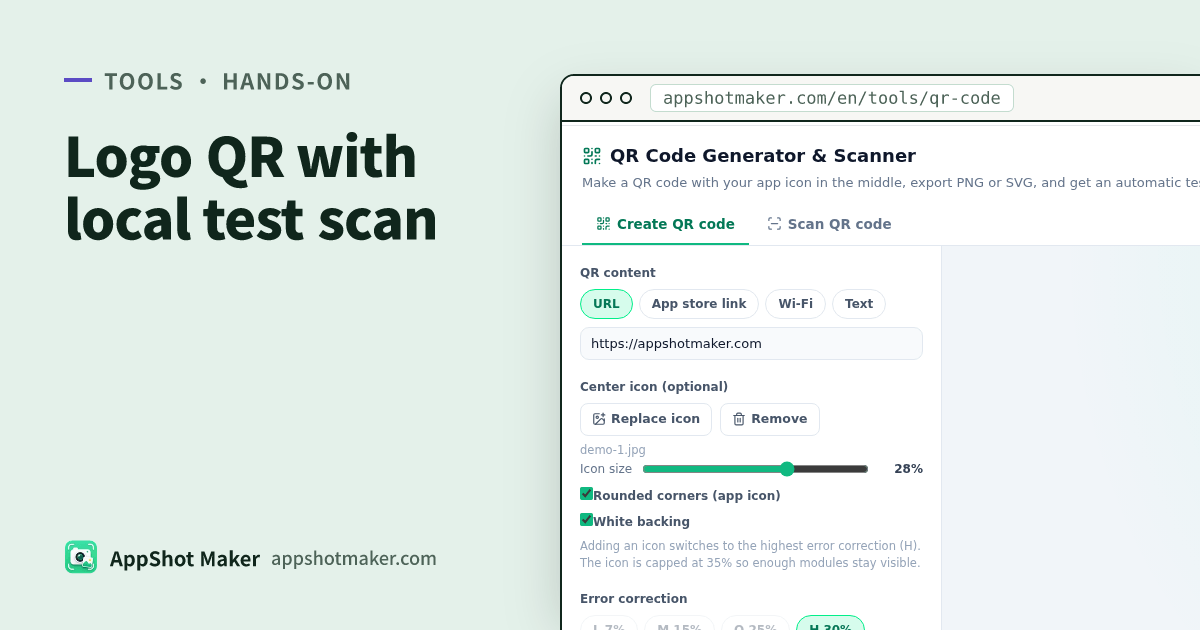
QR Code Generator & Scanner puts a test scan into the export path. After every change, the tool decodes the exact image it will export—at 512 px and again at 256 px—with an open-source decoder, and only shows a scannable state when the payload matches your input. Generation and scanning share one page. Icons and payload never upload.
Checked 2 Nov 2026. Licenses: see the tool page and /vendor/qr/LICENSES.txt (qr-code-styling MIT, jsQR Apache-2.0, and related).
Static codes vs dynamic redirect codes
| Kind | Where the destination lives | Best for | Trade-off |
|---|---|---|---|
| Static (this tool) | Inside the pattern | Site, store, or campaign URLs that will not change soon | Cannot edit the destination after print; no built-in scan analytics |
| Dynamic / short-link | A redirect service | Editable destinations and scan stats | Printed pieces can die if the service shuts down or starts charging |
This tool only builds static codes: scans go straight to your content, with no AppShot Maker redirect and no expiry. If you might change the landing page later, point the code at a URL you control and edit the redirect there.
Content types indie apps actually use
| Type | You enter | Typical scan result |
|---|---|---|
| URL | Full https://… | Opens in a browser |
| App Store | Numeric app ID (tool builds the store URL) | Opens the App Store product page |
| Google Play | Package name (tool builds the store URL) | Opens the Play listing |
| Wi-Fi | Network name, password, etc. | OS may offer to join (support varies) |
| Text | Any UTF-8 text | Shows the text |
Prefer URL when the audience mostly scans inside chat apps that are weak on Wi-Fi or contact formats.
Logo rules that keep the code readable
| Rule | What the tool does | What you still do |
|---|---|---|
| Raise error correction to H (~30% damage tolerance) | Auto-switches to H when an icon is added | Do not drop back to L/M just to make modules look “cleaner” |
| Cap how much the logo covers | Default ~28%, max 35%, clears modules under the logo, adds a white backing | Shrink the icon first if the test scan fails |
| Keep dark modules on a light field | Warns below ~4:1 contrast or when inverted | Skip pale gray-on-white “premium” codes |
| Keep a quiet zone | Adjustable margin in modules | Do not crop the white border off in print layout |
| Verify before download | Local dual-size decode (512 + 256) | Still scan a printed proof on two phones |
The in-browser check catches oversized logos and weak contrast. It does not replace a real-world proof—especially distance scans, glossy laminate, or outdoor glare.
PNG vs SVG, and how large
| Use case | Prefer | Why |
|---|---|---|
| Web, social, docs | PNG 1024 (512 / 2048 also available) | Sharp enough, predictable file size |
| Posters, booths, packaging | SVG | Stays sharp at any print size |
| Print edge length (rule of thumb) | About ≥ 2 cm / 0.8 in plus quiet zone | Experiential guidance, not an App Store upload rule |
On dark backgrounds, keep a light quiet zone or light plate behind the code so cameras can find the edges.
Five steps from store ID to a printable file
- Open QR Code Generator & Scanner. Pick a content type; for app promo, paste an App Store numeric ID or Play package name.
- Upload a square-ish app icon (transparent PNG is safest). Check size and the white backing.
- Tune colors, module style, and finder shapes. Fix any contrast or invert warnings.
- Wait until the badge says scannable, then export PNG or SVG.
- To audit someone else’s artwork, switch to Scan QR code: upload, drop, paste a screenshot, or use the camera (decoded on-device only; links never auto-open—you see the domain first).
How this fits next to other site tools
| Outcome | Go here |
|---|---|
| Logo QR + test scan + decoder | /en/tools/qr-code (this article) |
| Full listing layout / truncation check | Store listing preview checklist |
| Poster-scale canvas | Poster Studio |
| Device-framed store screenshots | /en/preview |
When the test scan fails
| Symptom | Change first |
|---|---|
| Fails right after adding a logo | Shrink the icon; switch modules back to squares; confirm error correction is H |
| Fails after a color tweak | Darken the foreground or lighten the background; avoid inverted codes |
| Passes at 512, fails at 256 | The design is dense or low-contrast—print shrinkage will be worse, fix the failing side |
| Scanner tab shows the wrong domain | Re-check the input; a static file never “auto-updates” an old export |
The check decodes the same pixels you will download, not a casual phone scan of the on-screen preview. If a screen preview “kind of works” but the file fails, you usually recompressed or filtered the asset in a design tool—paste the tool’s PNG/SVG into the layout instead of a re-exported screenshot.
Pre-print checklist
- Static destination is stable (or points at a redirect you own)
- Test scan is green; logo is not jammed against the 35% cap
- No contrast / invert warnings
- PNG for screens, SVG for print
- Two phones scanned a proof at final size
Pretty comes after readable. The tool is free, browser-local, and account-free—built so indie teams can treat a download QR as routine kit, not another SaaS login.