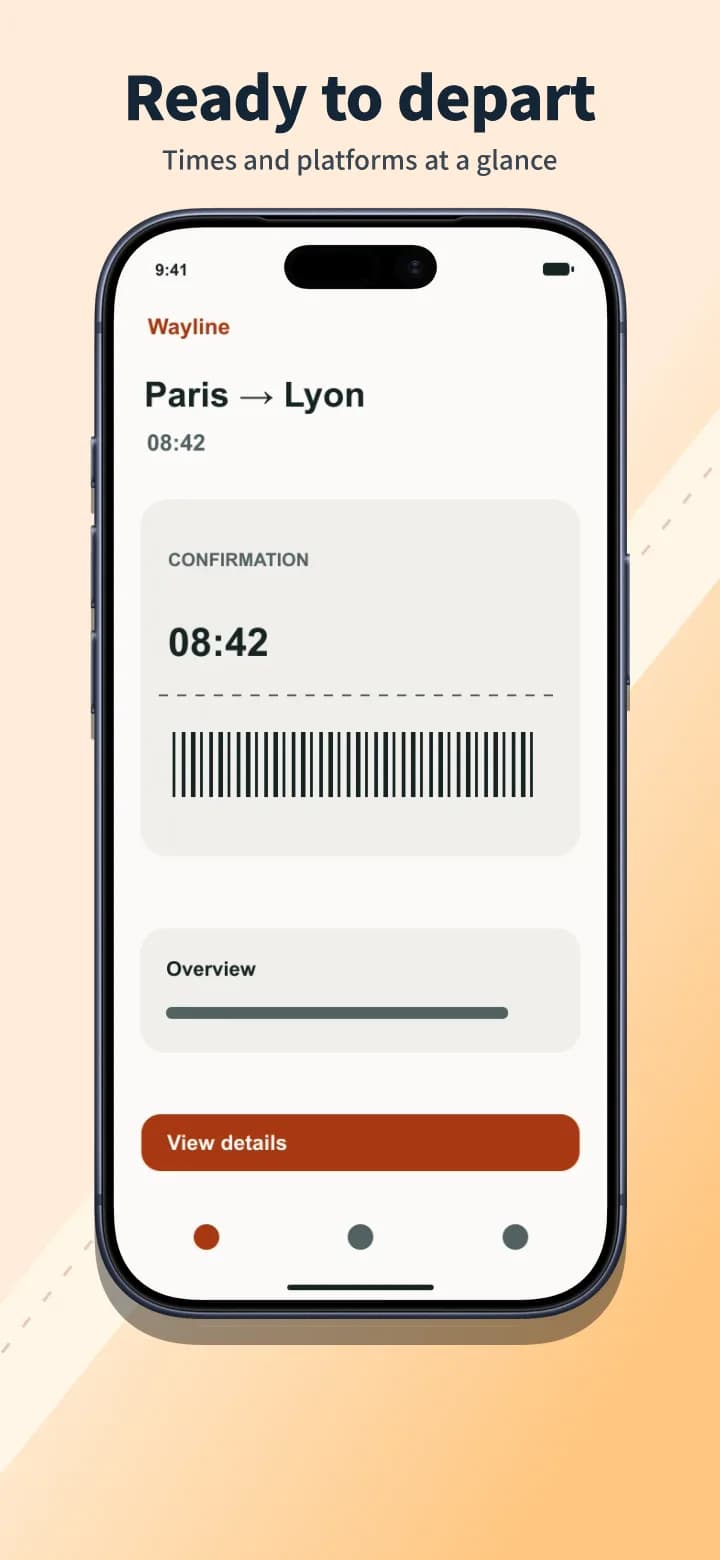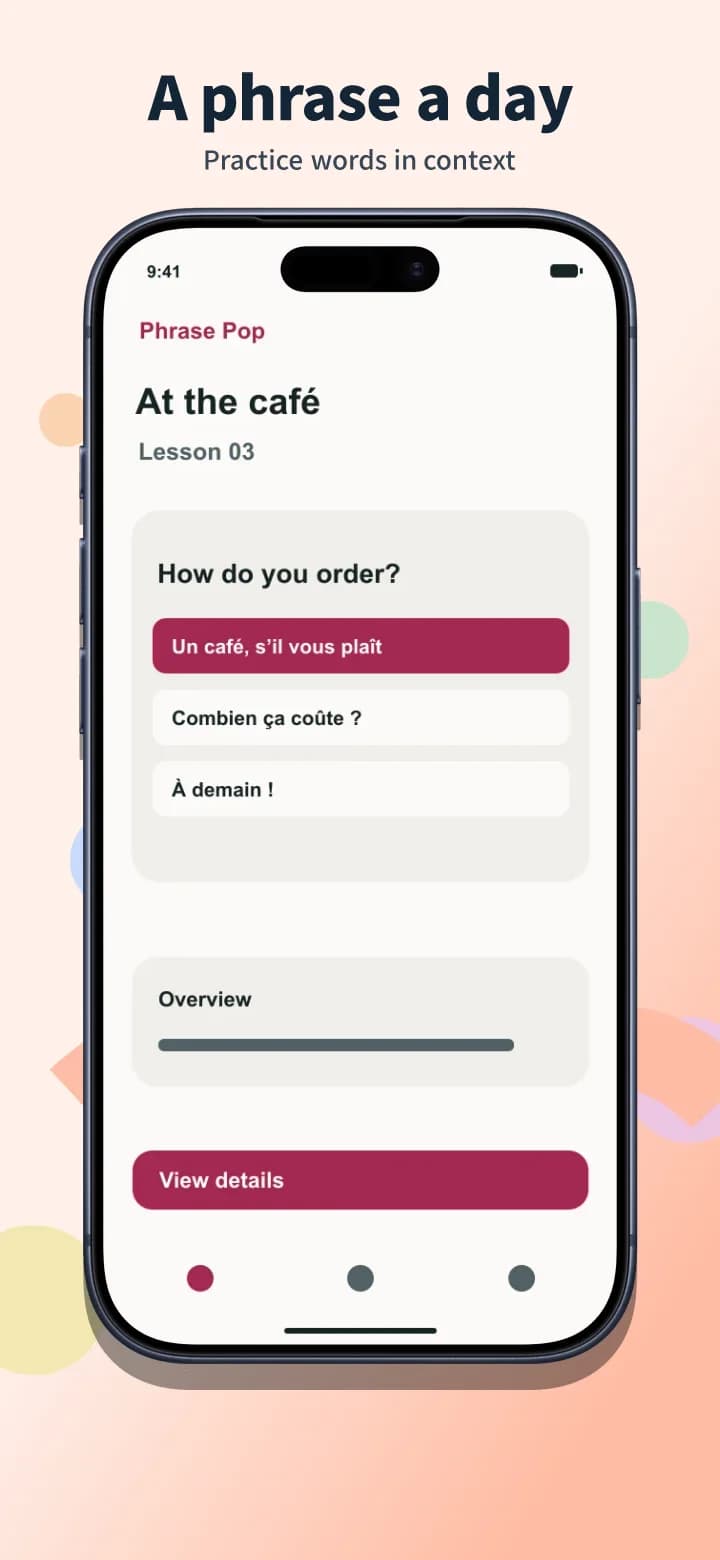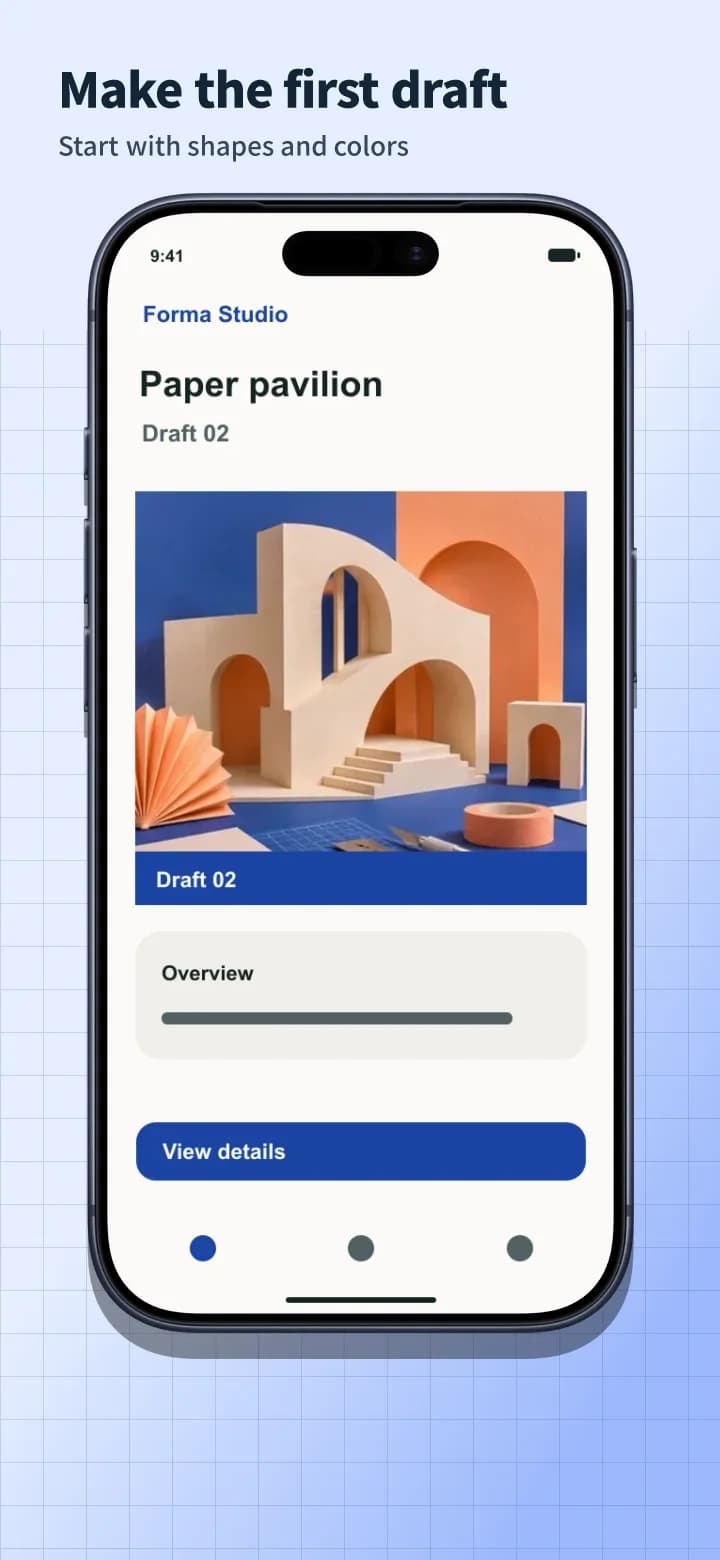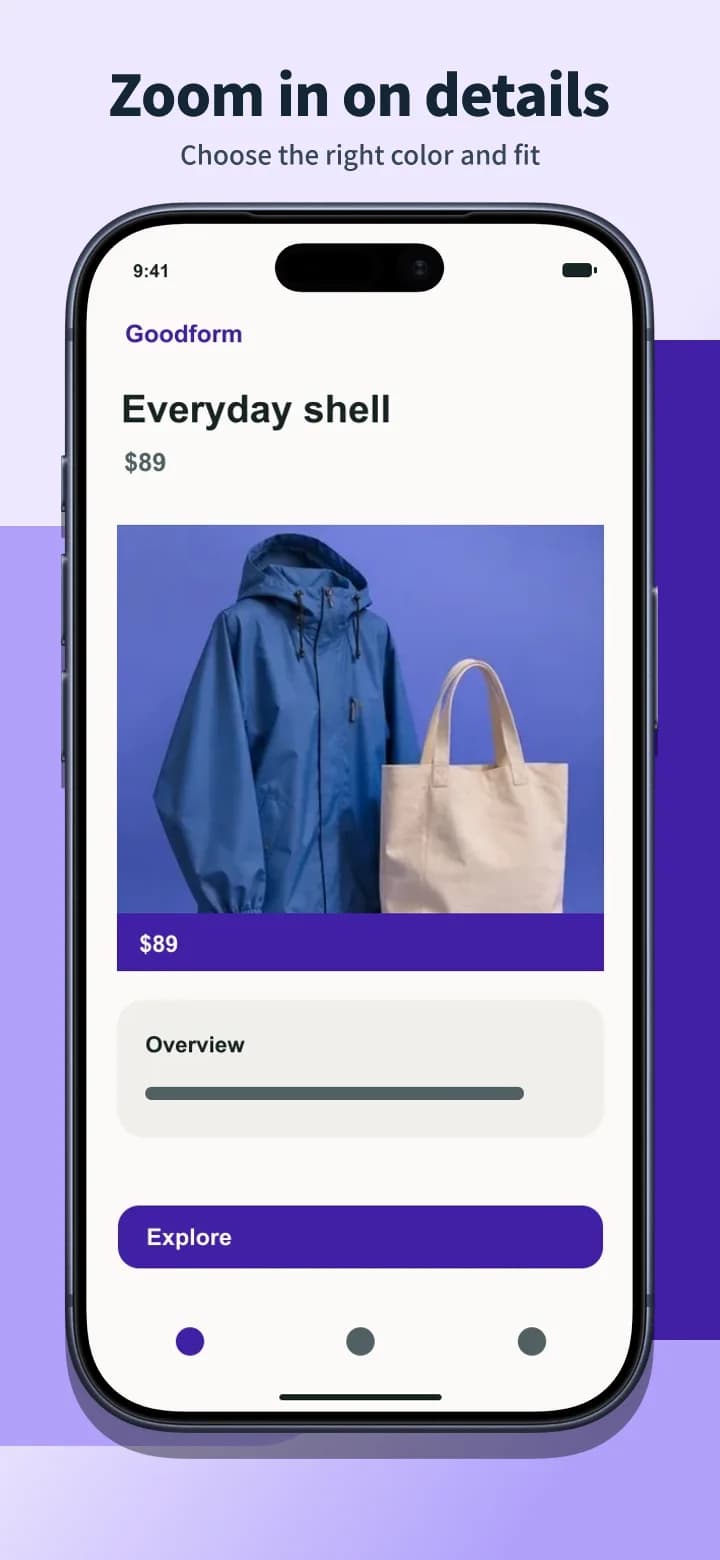
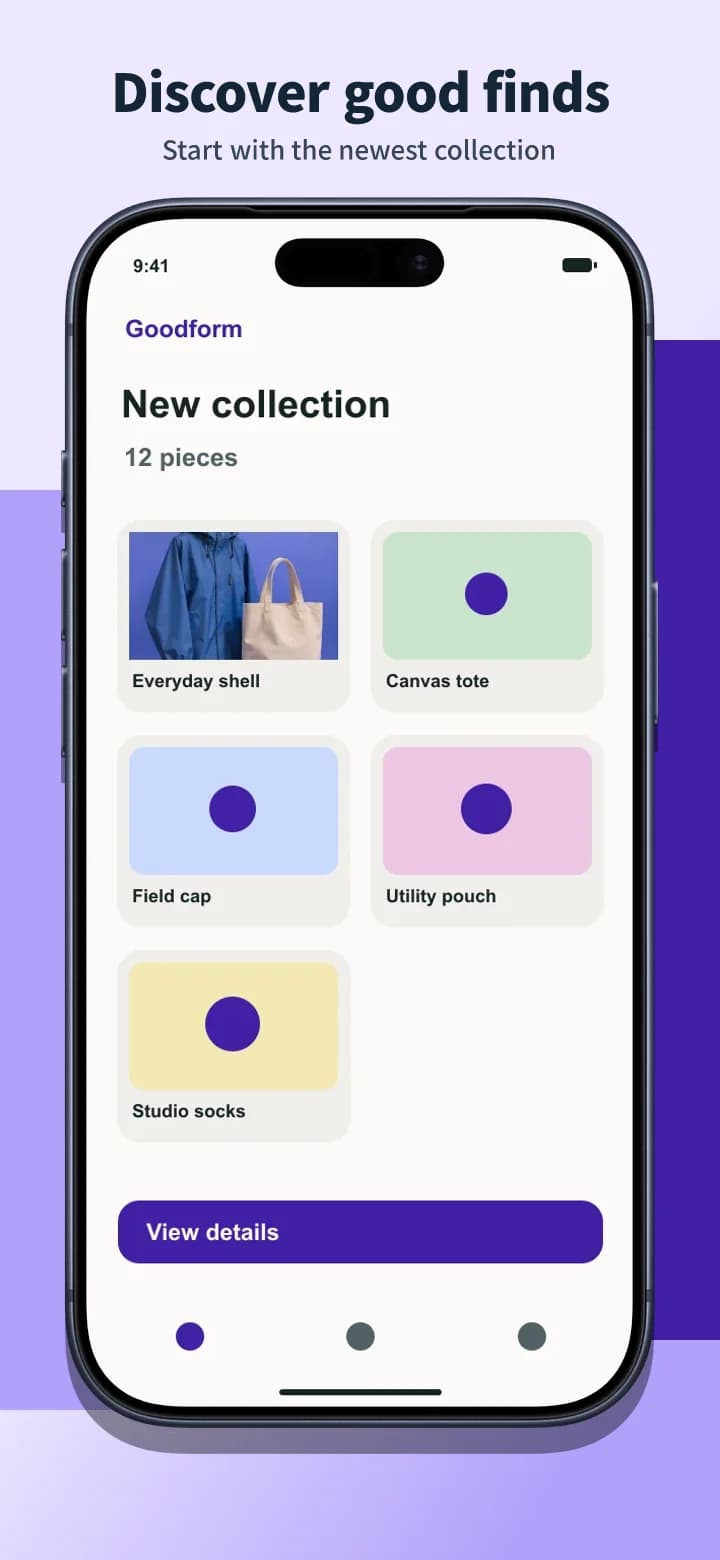
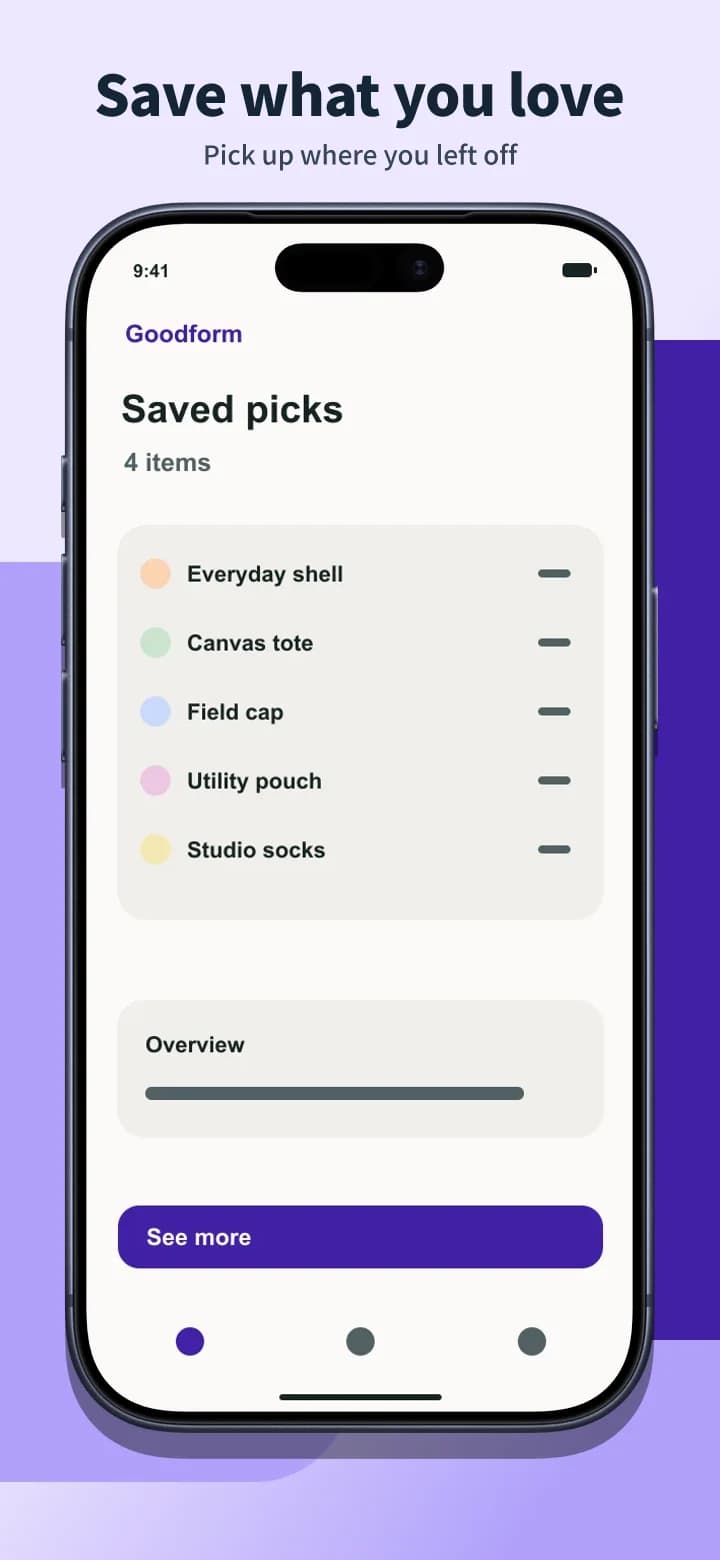
One layout, multiple languages
Preview the same layout in another language. In the editor, review the translated captions and keep an editable page for each language.
Today's Workout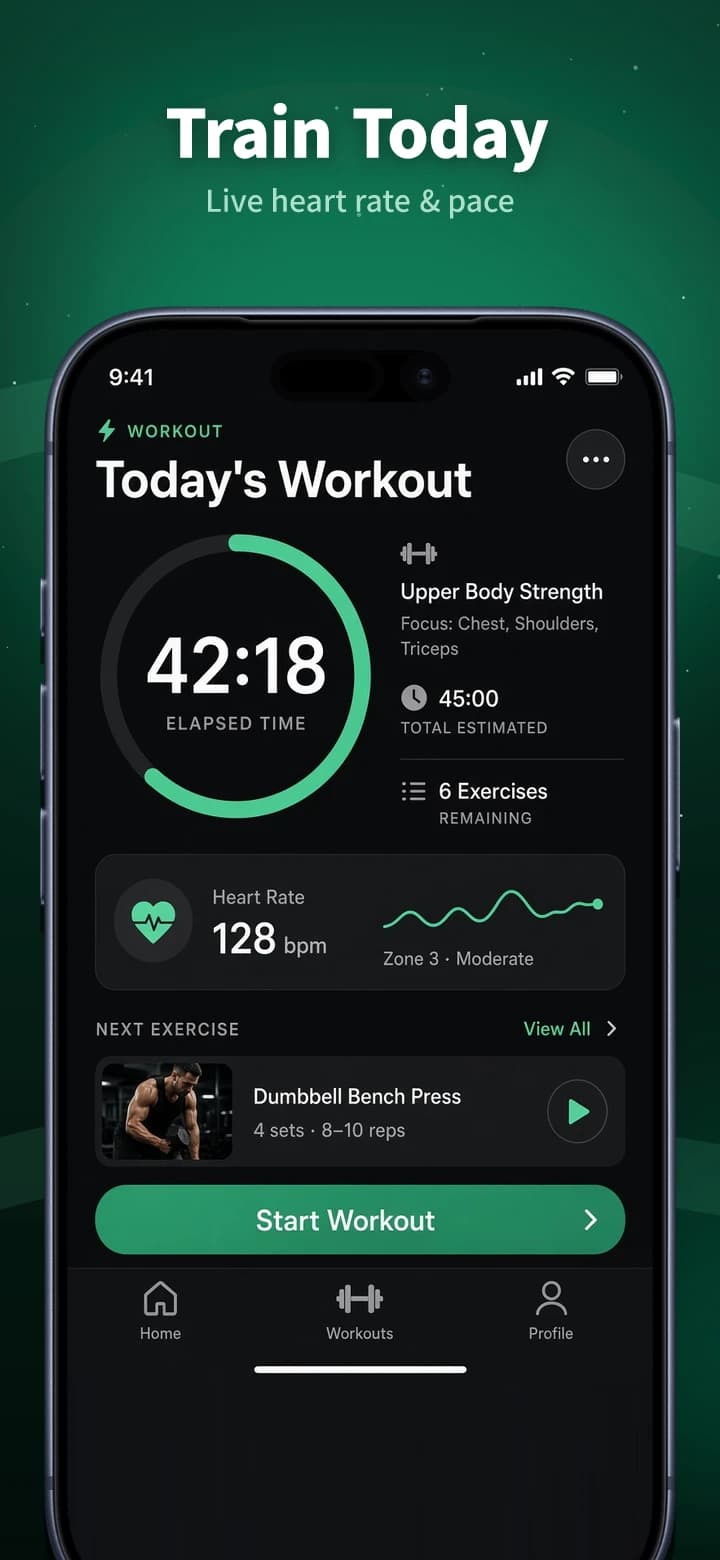
Hotpot AI has free iPhone and iPad templates, including five-panel panoramas. If you’re releasing on both stores, AppShot Maker lets you reuse the same screenshots for App Store, Google Play, and custom sizes.
Compare what you pay, what you can export, and how you get your files.
| Feature | AppShot Maker | Hotpot AI |
|---|---|---|
| Pricing | Edit and export screenshots for free. No account needed. | App Store screenshot templates are free to edit and download. Hotpot sells credits separately for other AI tools. [1] |
| Watermarks and attribution | Watermark-free downloads with no credit required. | Hotpot says downloads from this screenshot template tool carry no watermark. [1] |
| Export speed and workflow | Your browser renders and bundles the images. Export time depends on your device, the number of artboards, and the image dimensions. | A panorama template downloads as one ZIP containing five separate store images. [1] |
| Export formats and sizes | Download PNGs or JPGs individually or in a ZIP. Use App Store or Google Play presets, or set your own dimensions. | This tool focuses on iPhone and iPad App Store templates that accept your own app screens. [1] |
Export speed depends on the workflow, hardware, and output. This comparison uses documented workflows. Measured head-to-head timings are unavailable.
Preview the same layout in another language. In the editor, review the translated captions and keep an editable page for each language.
Design on an App Store or Google Play canvas and download your set as a ZIP.
Choose a store size and template, then replace the examples with screenshots from your app.
Adjust headlines, backgrounds, and device frames. If you’re localizing, review the translations and create a separate page for each language.
Save individual PNGs or JPGs, or download the whole set as a ZIP. Upload the files in App Store Connect or Google Play Console.
You want one of Hotpot’s iPhone templates or five-panel panoramas, or you already use its editor for Apple listing artwork.
You need an Android version alongside your iOS set, or want to review the translated captions in a separate layout before exporting.
Hotpot lists these App Store templates as free to edit and download. Other AI tools have separate credit rules. [1]
If both listings tell the same feature story, start with one editable layout. Export each store’s target sizes and check caption and device placement in the results.