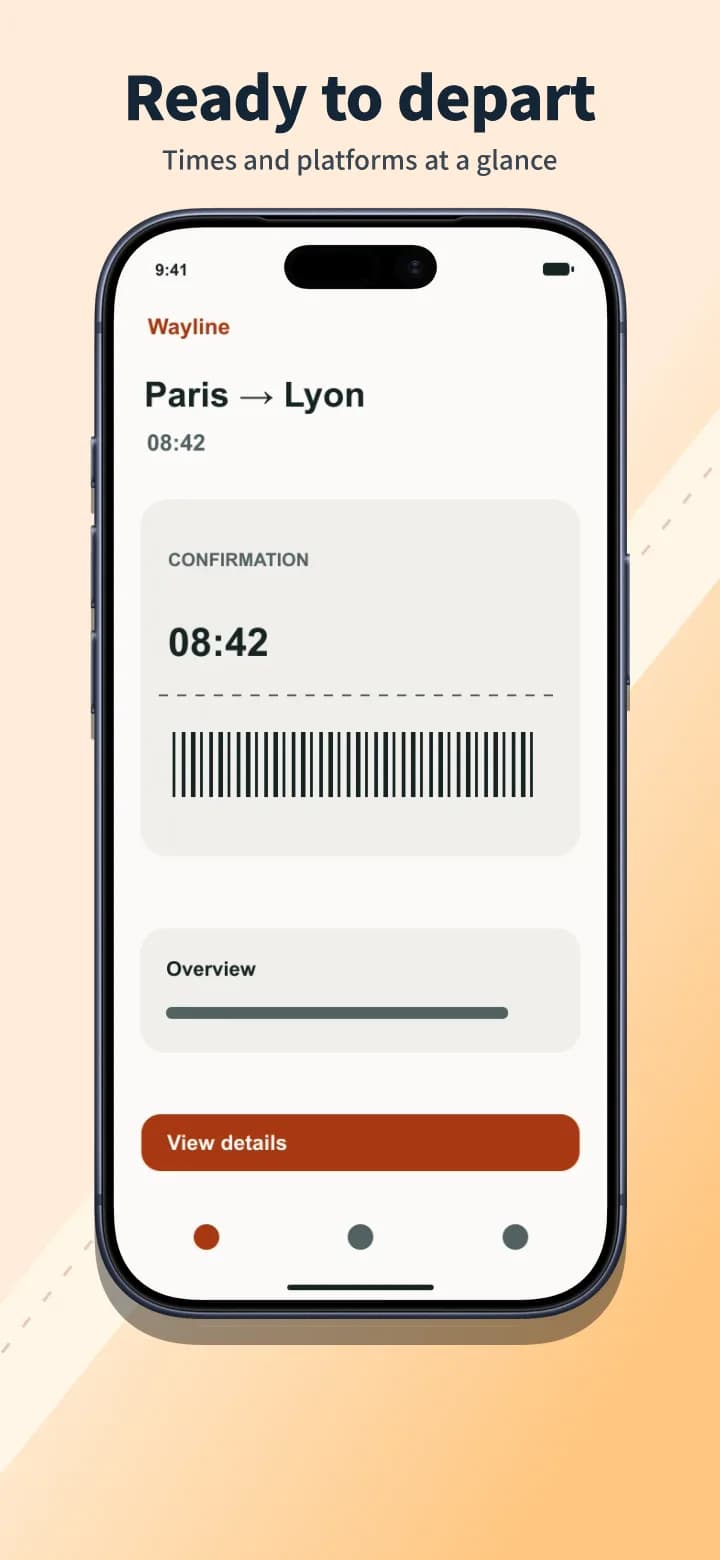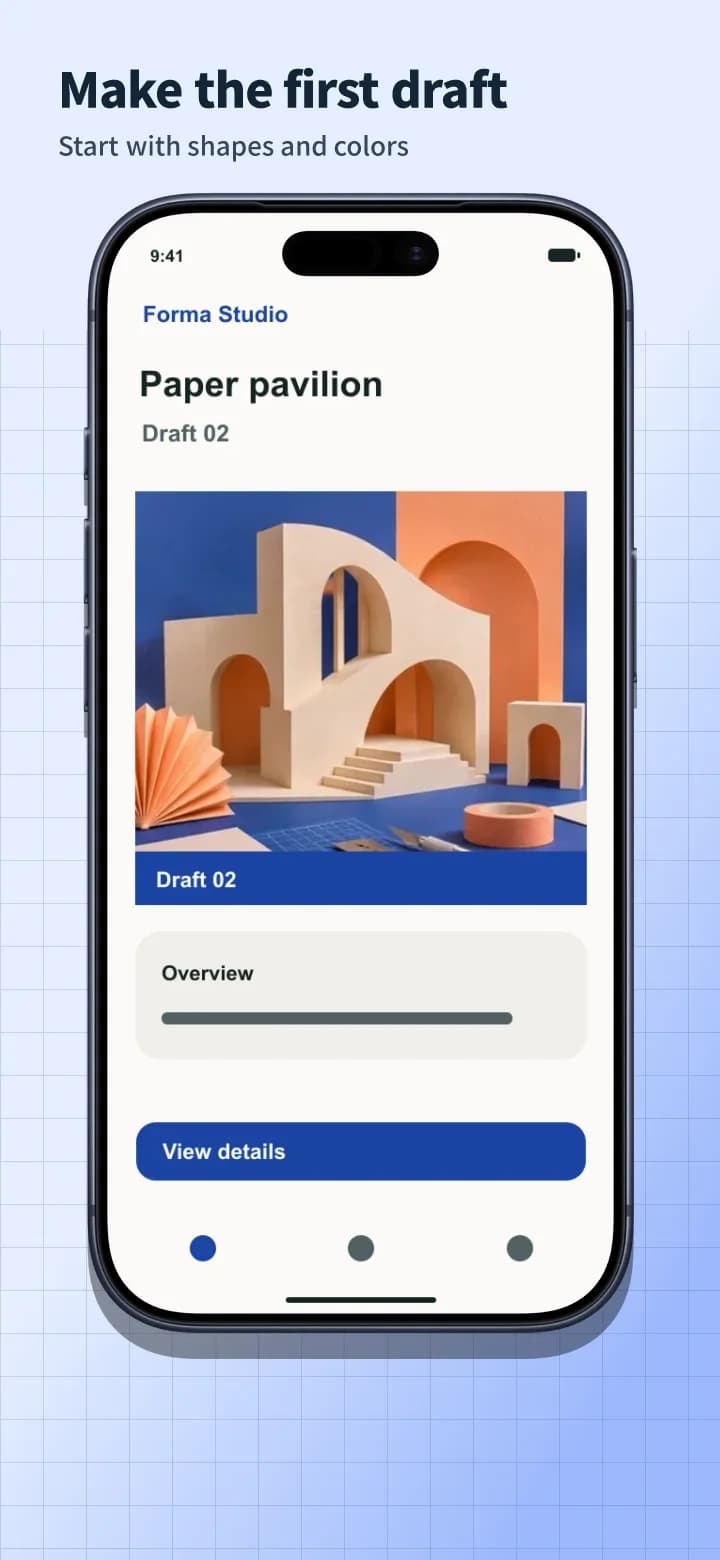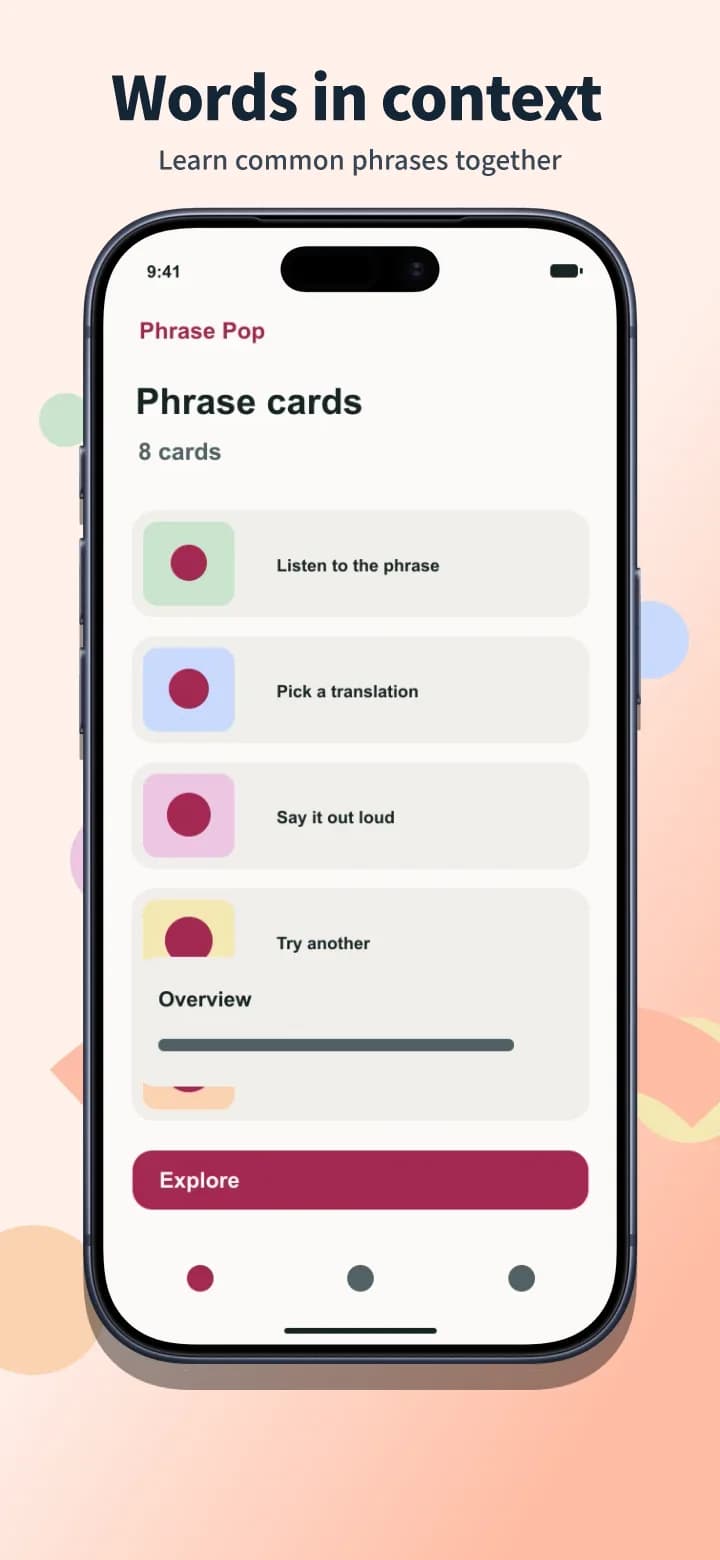
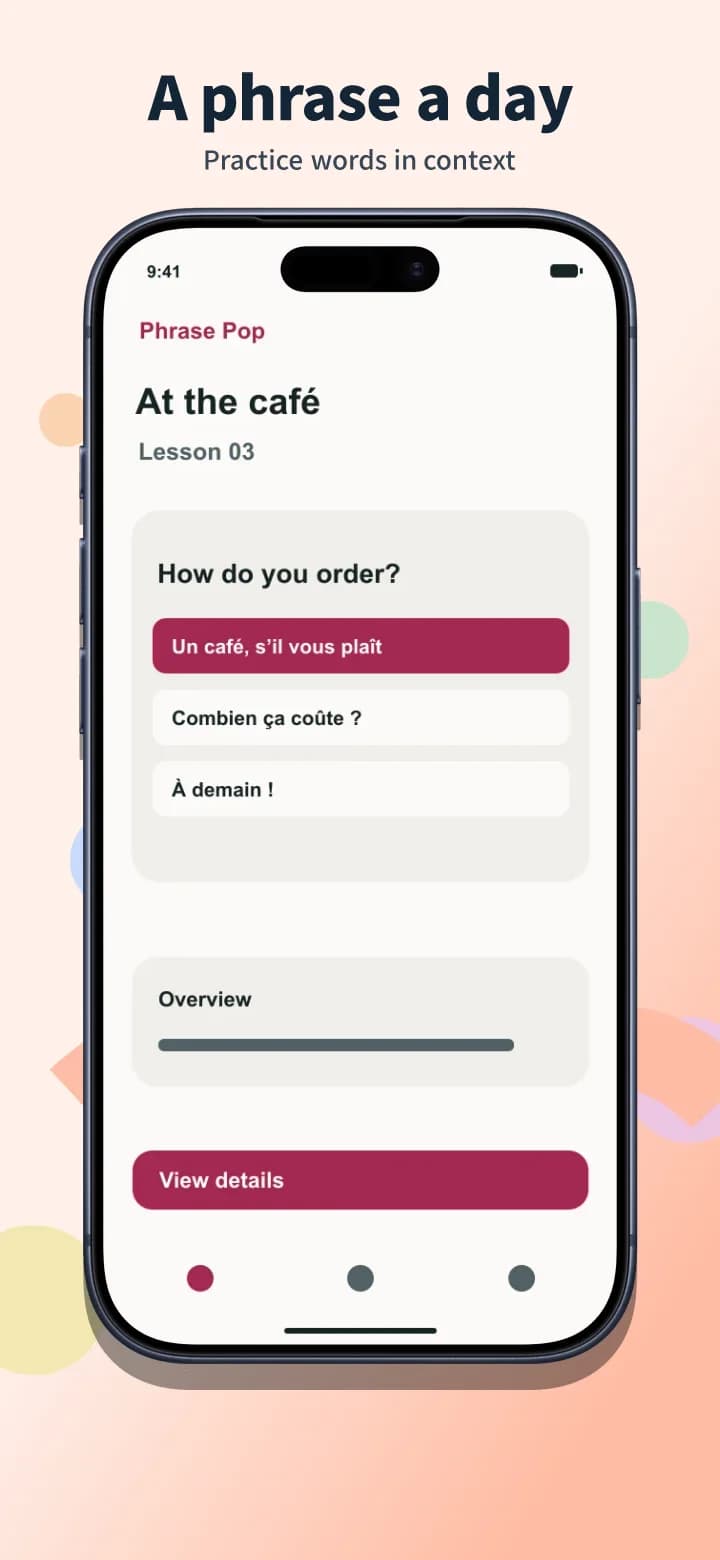
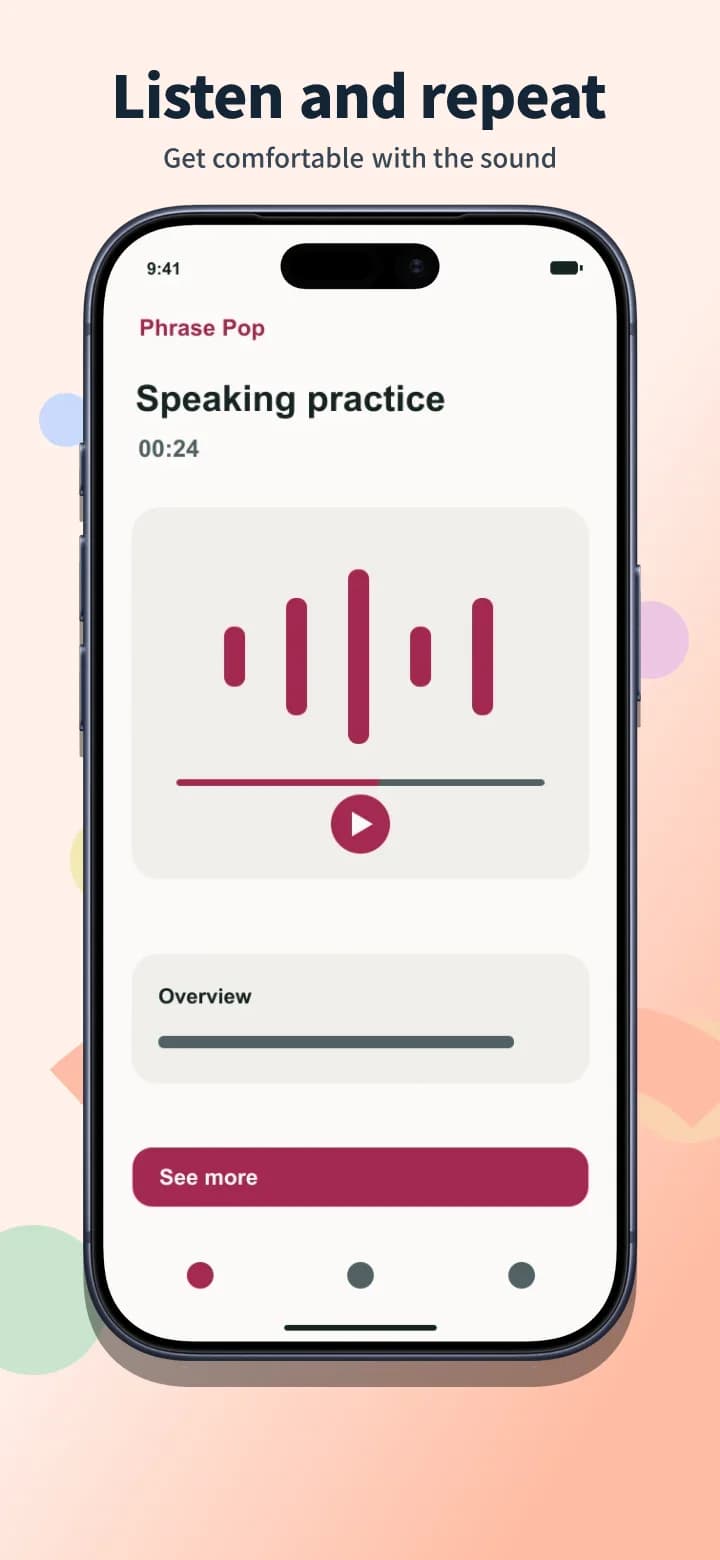
One layout, multiple languages
Preview the same layout in another language. In the editor, review the translated captions and keep an editable page for each language.
Today's Workout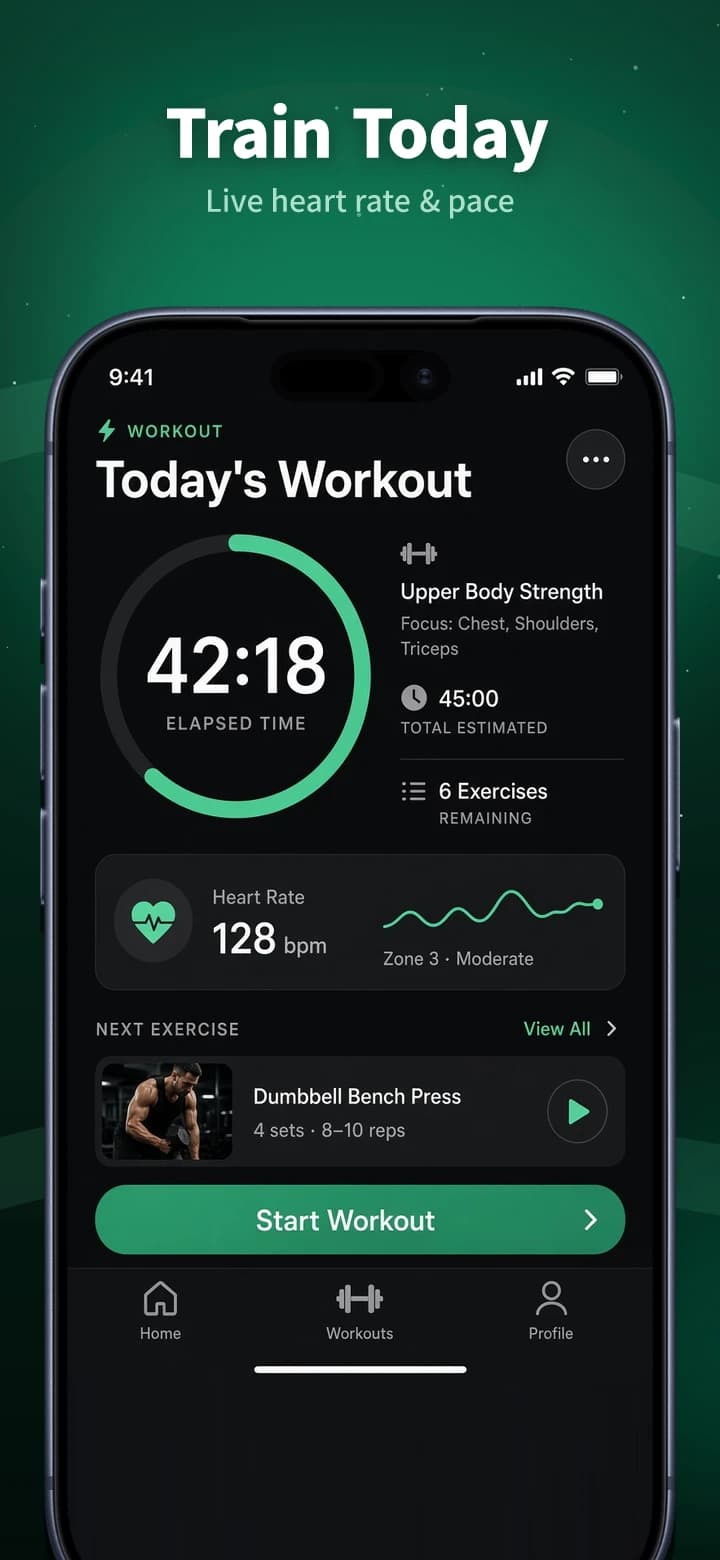
AppScreens pairs multi-size designs with localization and direct store uploads on paid plans. If you already have your screenshots and plan to upload them yourself, AppShot Maker can bundle your finished set as a ZIP.
Compare what you pay, what you can export, and how you get your files.
| Feature | AppShot Maker | AppScreens |
|---|---|---|
| Pricing | Edit and export screenshots for free. No account needed. | Free supports one project with up to five screenshots. Annual plans are US$99 for Pro and US$180 for Scale. [1] |
| Watermarks and attribution | Watermark-free downloads with no credit required. | The editor shows a watermark when a Free project uses Pro features. Export requires removing those features or upgrading. [2] |
| Export speed and workflow | Your browser renders and bundles the images. Export time depends on your device, the number of artboards, and the image dimensions. | Free uses manual export. On paid plans, direct store uploads can save a separate upload step. [1] |
| Export formats and sizes | Download PNGs or JPGs individually or in a ZIP. Use App Store or Google Play presets, or set your own dimensions. | Free includes core iOS and Google sizes. Paid plans add more device sizes, custom sizing, and localization. [1] |
Export speed depends on the workflow, hardware, and output. This comparison uses documented workflows. Measured head-to-head timings are unavailable.
Preview the same layout in another language. In the editor, review the translated captions and keep an editable page for each language.
Design on an App Store or Google Play canvas and download your set as a ZIP.
Choose a store size and template, then replace the examples with screenshots from your app.
Adjust headlines, backgrounds, and device frames. If you’re localizing, review the translations and create a separate page for each language.
Save individual PNGs or JPGs, or download the whole set as a ZIP. Upload the files in App Store Connect or Google Play Console.
You want direct uploads to App Store Connect or Google Play Console, or you regularly produce assets for custom product pages and store experiments.
You want to edit without an account, keep each language on its own page, and download files for someone on your team to upload.
AppScreens associates the watermark with Pro features in a Free project. Projects within the Free allowance can be exported. [2]
AppShot Maker downloads the files for you to upload to the appropriate size and language slots in each store console.